Watch your BT bill and contract end dates
Once a month, WebRun signs in to your BT account, opens the latest bill, compares the total and the line items against the previous month, posts anything that went up to Microsoft Teams, and adds a private reminder to Google Calendar before each contract or discount period ends.
- No credit card
- Under $0.01 per run
- Cancel anytime
How do I keep track of BT bill increases and contract end dates?
WebRun signs in to BT once a month, reads the latest bill, and compares every charge line against the previous month. It posts any increase to Microsoft Teams and adds a private Google Calendar reminder 30 days before each contract or discount period ends, so price rises and renewals never arrive unnoticed.
- Price rises are spotted the month they appear, not a year later
- Every contract end date is diarised 30 days ahead
- One monthly post replaces logging in to check the bill
Built for office managers · small business owners · finance teams · IT administrators
What does WebRun do on every run?
The exact actions WebRun takes, in order - in plain language, so you can adjust anything.
-
WebRun signs in and gets to work
Opens
www.bt.comin a real browser with your saved login - no setup, no API keys. -
1
BT - read the latest bill
bt.com
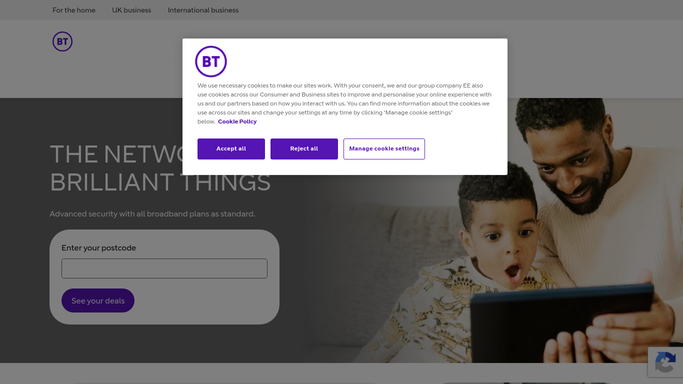
WebRun opens BT to read the latest bill. - Sign in to your BT account and open the billing section
- Open the latest bill and capture the total plus each charge line
- Compare it against the previous month and note every line that increased
- Open your package details and capture the contract or minimum-term end date for each service
Done when This month's bill is captured with a line-by-line comparison and every contract end date.
-
2
Microsoft Teams - report what changed
microsoft.com How to Automate Microsoft Teams

WebRun opens Microsoft Teams to report what changed. - Post this month's BT total to your operations channel
- List every charge line that rose, with the old and new amounts
- Call out one-off charges and any out-of-plan usage separately from the fixed monthly cost
- Say plainly when nothing changed so the month still gets a record
Done when The channel has this month's BT total and every increase in one post.
-
3
Google Calendar - diarise the contract end
calendar.google.com How to Automate Google Calendar

WebRun opens Google Calendar to diarise the contract end. - Create a private reminder on your own calendar 30 days before each contract or discount period ends
- Title it with the service and the exact end date
- Leave the event with no guests invited so nobody outside is notified
- Skip any date already on the calendar from a previous run
Done when Every BT contract end date has a dated reminder on your calendar.
How is each run configured?
Secure by default
Connect once, stays signed in
WebRun signs in once and keeps each session in a persistent environment, so every run picks up right where it left off.
Every action is checked against this policy before it runs.
Questions, answered
Can it change my BT package or cancel a service?
No. WebRun only reads your bills and package details in BT. It never renews, cancels, upgrades, or buys anything. Every change to your account stays a decision you make yourself.
Does it invite anyone to the calendar reminders?
No. The Google Calendar reminders are created on your own calendar with no guests, so nothing is sent to a supplier, a colleague, or BT.
What if the bill is identical to last month?
It still posts the total to Microsoft Teams and says nothing changed, so you keep a clean monthly record without having to open the BT portal yourself.
Related templates
Put this on autopilot.
Turn it on in minutes - or have our team set it up for you.