Keep your own Brilliant streak from quietly lapsing
Every evening, WebRun opens Brilliant, checks your current streak and course progress for the day, logs it to a personal Telegram note, and texts your own phone through Twilio a nudge if you've gone 2 or more days without completing a lesson.
- No credit card
- Under $0.01 per run
- Cancel anytime
How do I keep my Brilliant learning streak from lapsing?
WebRun checks your Brilliant streak and course progress every evening, logs it to a personal Telegram note, and texts your own phone through Twilio if you've gone 2 or more days without a lesson, so a learning habit gets a nudge before it quietly resets to zero.
- A lapsed streak gets a nudge the same evening it happens
- Progress is logged automatically for your own reference
- No nudge arrives on days your streak is already active
Built for individual Brilliant learners · self-taught STEM learners · lifelong learners · personal productivity enthusiasts
What does WebRun do on every run?
The exact actions WebRun takes, in order - in plain language, so you can adjust anything.
-
WebRun signs in and gets to work
Opens
www.brilliant.orgin a real browser with your saved login - no setup, no API keys. -
1
Brilliant - check your daily streak
brilliant.org
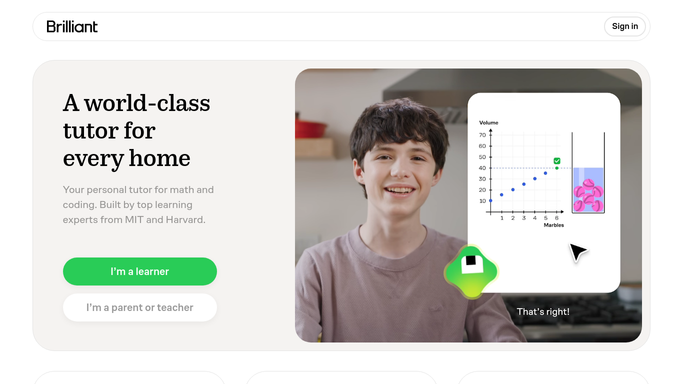
WebRun opens Brilliant to check your daily streak. - Open your account and check today's streak and course progress
- Note the current course and lesson you're on
- Flag if 2 or more days have passed without activity
Done when Today's streak and progress are captured.
-
2
Telegram - log the daily note
telegram.org How to Automate Telegram

WebRun opens Telegram to log the daily note. - Save today's streak and progress to your personal notes channel
- Keep a running log so you can see your own trend
- Update the note each evening
Done when Your personal Telegram note reflects today's progress.
-
3
Twilio - text you a nudge
twilio.com How to Automate Twilio

WebRun opens Twilio to text you a nudge. - Text your own phone if 2 or more days have passed with no lesson
- Name the course you were partway through
- Skip the text on days your streak is active
Done when You're texted a nudge whenever your streak has lapsed.
How is each run configured?
Secure by default
Connect once, stays signed in
WebRun signs in once and keeps each session in a persistent environment, so every run picks up right where it left off.
Every action is checked against this policy before it runs.
Questions, answered
Does it message anyone else?
No. Both the log and the nudge go only to your own Telegram and phone. This automation is entirely self-directed.
How long can I lapse before it nudges me?
2 or more days with no completed lesson, so a single busy day doesn't trigger a text.
Does it complete lessons for me?
No. It only reads your progress and reminds you. Every lesson is still completed by you on Brilliant.
Related templates
Put this on autopilot.
Turn it on in minutes - or have our team set it up for you.