Catch finished-goods shortages before a distributor calls
Every morning, WebRun opens Ekos, checks every finished-goods SKU against your minimum stock targets, logs any below-threshold SKU to a running Google Sheet, and posts a Slack alert so your production or sales team can prioritize packaging or manage distributor expectations before a shortage becomes a problem.
- No credit card
- Under $0.01 per run
- Cancel anytime
What does WebRun do on every run?
The exact actions WebRun takes, in order - in plain language, so you can adjust anything.
-
WebRun signs in and gets to work
Opens
app.goekos.comin a real browser with your saved login - no setup, no API keys. -
1
Ekos - check finished-goods stock against minimums
goekos.com How to Automate Ekos

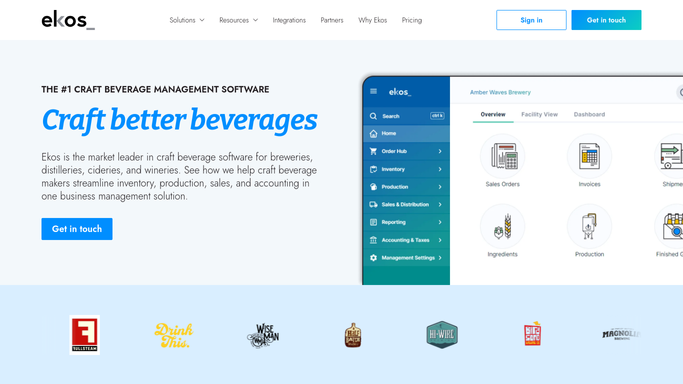
WebRun opens Ekos to check finished-goods stock against minimums. - Open Ekos and navigate to Inventory for finished goods
- Pull current on-hand quantity for each packaged SKU (cans, bottles, kegs by size)
- Compare each quantity against the minimum stock level defined for that SKU
- Identify any SKU at or below minimum, noting current quantity, minimum, and the gap
Done when Every finished-goods SKU below minimum is listed with current stock, minimum, and shortfall.
-
2
Google Sheets - log low-stock SKUs to tracker
google.com How to Automate Google Sheets
WebRun opens Google Sheets to log low-stock SKUs to tracker. - Open the finished-goods low-stock tracking Google Sheet
- Append a row for today with each below-minimum SKU, its current stock, and the shortfall
- Update any trend or recurring-shortage tab if a SKU has been low for multiple consecutive days
Done when Today's low-stock SKUs are logged to the tracker with date and shortfall figures.
-
3
Slack - post daily low-stock alert
slack.com How to Automate Slack
WebRun opens Slack to post daily low-stock alert. - Post a low-stock alert to your production or operations Slack channel
- List each below-minimum SKU with current quantity, minimum target, and shortfall
- Flag any SKU that has been below minimum for three or more consecutive days as a priority
- Add a link to the Google Sheet for trend data
Done when Your team has today's finished-goods alert in Slack with priorities flagged.


How do I get automatic alerts when finished-goods beer or wine stock runs low?
WebRun checks every finished-goods SKU in Ekos against your minimum stock targets each morning, logs any below-threshold item to a Google Sheet for trend tracking, and posts a Slack alert flagging shortfalls and repeat offenders so your team can schedule packaging or manage distributor expectations before stock runs out.
- Stock shortages surface every morning before distributors call
- Repeat low-stock SKUs are flagged for production prioritization
- Finished-goods trend data builds automatically in Google Sheets
Built for craft breweries · wineries · production managers · sales managers · taproom operators
How is each run configured?
Secure by default
Connect once, stays signed in
WebRun signs in once and keeps each session in a persistent environment, so every run picks up right where it left off.
Every action is checked against this policy before it runs.
Questions, answered
Will it contact distributors or notify customers about shortages?
No. All alerts are internal to your Slack channel. No external communication about stock levels goes out without a human decision.
How do I set the minimum stock level for each SKU?
Minimums are set directly in Ekos on each inventory item. WebRun reads those values each run, so any changes you make in Ekos are reflected automatically the following morning.
What if no SKUs are below minimum today?
It posts a brief all-clear note to Slack confirming that all finished-goods SKUs are above minimum, so your team gets a daily confirmation rather than silence.
Related templates
Put this on autopilot.
Turn it on in minutes - or have our team set it up for you.