Get alerted the moment a Braintree dispute opens
Every morning, WebRun opens Braintree, checks for new disputes and chargebacks since the last run, archives each dispute's detail and reason code to Google Drive, and texts you an alert through Twilio so a response deadline never gets missed.
- No credit card
- Under $0.01 per run
- Cancel anytime
How do I get alerted about new Braintree disputes and chargebacks?
WebRun checks Braintree every morning for new disputes and chargebacks, archives each one's detail and reason code to Google Drive, and texts you an alert through Twilio. It never accepts a dispute or issues a refund itself, so you get a same day heads up with the evidence already on hand before the reply deadline.
- New disputes get flagged the same morning they open
- Dispute evidence is archived and searchable, not scattered in email
- Reply deadlines are surfaced before they're missed
Built for ecommerce merchants · SaaS billing teams · payments operations · developers running Braintree
What does WebRun do on every run?
The exact actions WebRun takes, in order - in plain language, so you can adjust anything.
-
WebRun signs in and gets to work
Opens
www.braintreegateway.comin a real browser with your saved login - no setup, no API keys. -
1
Braintree - check for new disputes
braintreepayments.com
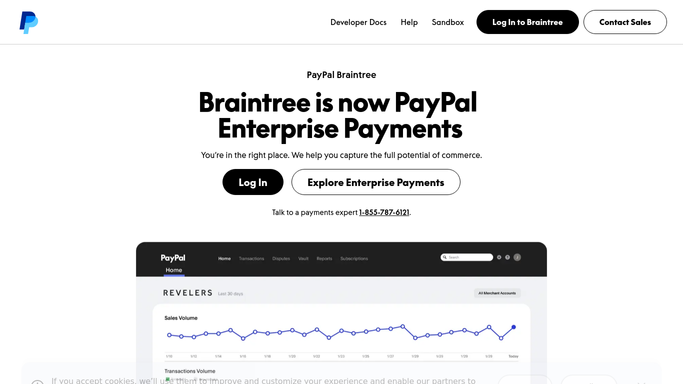
WebRun opens Braintree to check for new disputes. - Open the Braintree gateway and check for new disputes
- Note the amount, reason code, and reply-by date for each
- Flag anything due within three days
Done when Every new dispute is captured with its deadline.
-
2
Google Drive - archive the dispute detail
drive.google.com How to Automate Google Drive

WebRun opens Google Drive to archive the dispute detail. - Save the dispute detail and reason code to your disputes folder
- Name the file with the transaction ID and date
- Keep prior disputes untouched
Done when Every new dispute's detail is archived in Drive.
-
3
Twilio - text you the alert
twilio.com How to Automate Twilio

WebRun opens Twilio to text you the alert. - Text an alert only when a new dispute was found
- Include the amount, reason code, and reply-by date
- Stay quiet on mornings with no new disputes
Done when You're texted the same morning a new dispute opens.
How is each run configured?
Secure by default
Connect once, stays signed in
WebRun signs in once and keeps each session in a persistent environment, so every run picks up right where it left off.
Every action is checked against this policy before it runs.
Questions, answered
Will it accept the dispute or refund the customer for me?
No. WebRun never sends a payment, issues a refund, or transfers funds on its own. It only reads new disputes and alerts you, leaving the accept or fight decision to you in Braintree.
Will it submit evidence to fight the dispute?
No. It only archives the dispute detail and reason code so you have it on hand. Gathering and submitting evidence stays a step you take directly in Braintree.
Can I find a past dispute's detail later?
Yes. Every dispute is archived in Google Drive named with its transaction ID and date, so you can find it without searching back through Braintree.
Related templates
Put this on autopilot.
Turn it on in minutes - or have our team set it up for you.