Flag Bloomreach customers before their window closes
Every morning, WebRun opens Bloomreach, finds customer segments whose personalized campaign window or loyalty tier is about to expire, blocks an internal review slot on the team's Google Calendar, and drafts a WhatsApp outreach message for the marketing team to review before it goes out to anyone.
- No credit card
- Under $0.01 per run
- Cancel anytime
How do I catch Bloomreach customer segments before their campaign window expires?
WebRun checks Bloomreach every morning for customer segments whose personalized campaign window or loyalty tier is about to expire, blocks an internal review slot on your team's Google Calendar, and drafts a WhatsApp outreach message for the marketing team to review, so no valuable segment lapses without a chance for a human-approved nudge.
- Expiring high-value segments get flagged before the window closes
- The team always has time to review before a message goes out
- No customer segment lapses unnoticed
Built for ecommerce marketing teams · CRM managers · loyalty program owners
What does WebRun do on every run?
The exact actions WebRun takes, in order - in plain language, so you can adjust anything.
-
WebRun signs in and gets to work
Opens
www.bloomreach.comin a real browser with your saved login - no setup, no API keys. -
1
Bloomreach - find expiring segments
bloomreach.com
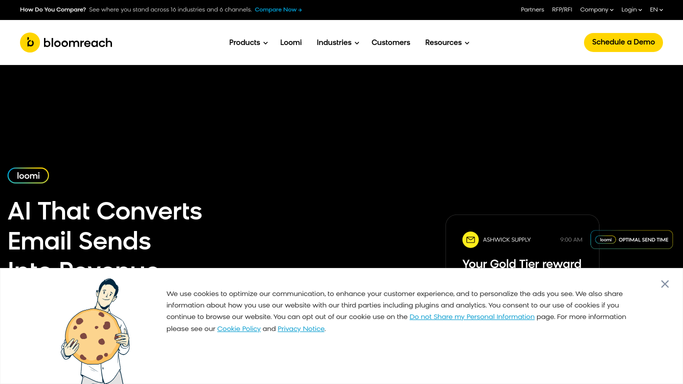
WebRun opens Bloomreach to find expiring segments. - Open Bloomreach and review customer segments with an expiring campaign window or loyalty tier
- Capture the segment size and days remaining before expiry
- Note which segments have the highest customer value
Done when Every segment expiring soon is identified with days remaining.
-
2
Google Calendar - block a review slot
calendar.google.com How to Automate Google Calendar

WebRun opens Google Calendar to block a review slot. - Open the team's Google Calendar
- Block an internal review slot before the segment expires
- Attach the segment details to the event
Done when A review slot exists for every expiring segment.
-
3
WhatsApp - draft the outreach message
whatsapp.com How to Automate WhatsApp

WebRun opens WhatsApp to draft the outreach message. - Draft an outreach message for the highest-value expiring segment
- Save it as a draft for the marketing team to review
- Never send the message to a customer directly. A human approves and sends it
Done when A reviewable outreach draft exists for every expiring segment worth acting on.
How is each run configured?
Secure by default
Connect once, stays signed in
WebRun signs in once and keeps each session in a persistent environment, so every run picks up right where it left off.
Every action is checked against this policy before it runs.
Questions, answered
Will it message customers on WhatsApp without approval?
No. WebRun only drafts the outreach message. A teammate reviews and sends it, WebRun never messages a customer directly.
What counts as an expiring window?
Any personalized campaign window or loyalty tier that Bloomreach shows is about to end for a segment, based on your own program rules.
Does it prioritize which segments matter most?
Yes. It notes which expiring segments carry the highest customer value so the team reviews the most important ones first.
Related templates
Put this on autopilot.
Turn it on in minutes - or have our team set it up for you.