Chase unbilled time before it goes stale
Every Friday, WebRun opens Bill4Time, finds time entries older than two weeks that still haven't been invoiced, saves a backup export to Google Drive, and posts a chase list to Slack so nothing ages out of the billing cycle.
- No credit card
- Under $0.01 per run
- Cancel anytime
How do I find unbilled time in Bill4Time before it goes stale?
WebRun checks Bill4Time every Friday for time entries that are unbilled for more than two weeks, saves a dated backup export to Google Drive, and posts a chase list grouped by timekeeper to Slack, so aging, unbilled work gets invoiced before it's written off or forgotten.
- Unbilled time is chased weekly instead of discovered at month end
- Every timekeeper gets their own list instead of one long report
- A dated backup of unbilled time is kept every week
Built for law firms · consultants · accounting firms · professional services teams
What does WebRun do on every run?
The exact actions WebRun takes, in order - in plain language, so you can adjust anything.
-
WebRun signs in and gets to work
Opens
www.bill4time.comin a real browser with your saved login - no setup, no API keys. -
1
Bill4Time - find unbilled, aging time entries
bill4time.com
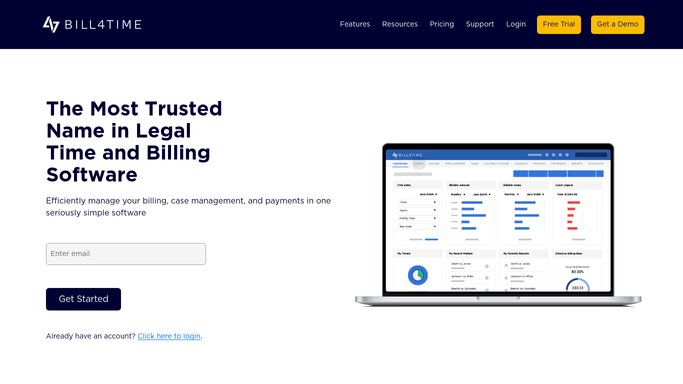
WebRun opens Bill4Time to find unbilled, aging time entries. - Open Bill4Time and filter time entries to unbilled
- Find entries older than two weeks with no invoice
- Note the timekeeper, matter, and hours for each
Done when Every unbilled entry older than two weeks is listed with its details.
-
2
Google Drive - save a backup export
drive.google.com How to Automate Google Drive

WebRun opens Google Drive to save a backup export. - Open the billing backups folder in Google Drive
- Save this week's unbilled time export as a dated file
- Keep the prior week's export for comparison
Done when This week's unbilled time export is saved to Drive.
-
3
Slack - post the chase list to the team
slack.com How to Automate Slack

WebRun opens Slack to post the chase list to the team. - Post the chase list to the billing channel
- Group entries by timekeeper so each person sees their own list
- Flag entries over 30 days old at the top
Done when The billing team has this week's chase list in Slack.
How is each run configured?
Secure by default
Connect once, stays signed in
WebRun signs in once and keeps each session in a persistent environment, so every run picks up right where it left off.
Every action is checked against this policy before it runs.
Questions, answered
Will it invoice a client automatically?
No. WebRun only finds unbilled time and reports it internally. It never generates or sends an invoice on its own.
How old does an entry have to be to get flagged?
Anything unbilled for more than two weeks makes the list, and entries over 30 days are called out first so the oldest work gets billed sooner.
Why keep a backup export in Google Drive?
It gives you a dated record of unbilled time each week, so you can see how the list changes and confirm nothing was missed.
Related templates
Put this on autopilot.
Turn it on in minutes - or have our team set it up for you.