Get a weekly Be.Live show scorecard
Every Monday, WebRun opens Be.Live, pulls peak viewers, comments, and reactions for broadcasts from the last 7 days, posts a ranked scorecard to Slack, and pings Telegram if any broadcast's viewership dropped sharply.
- No credit card
- Under $0.01 per run
- Cancel anytime
What does WebRun do on every run?
The exact actions WebRun takes, in order - in plain language, so you can adjust anything.
-
WebRun signs in and gets to work
Opens
be.livein a real browser with your saved login - no setup, no API keys. -
1
Be.Live - pull weekly broadcast stats
be.live

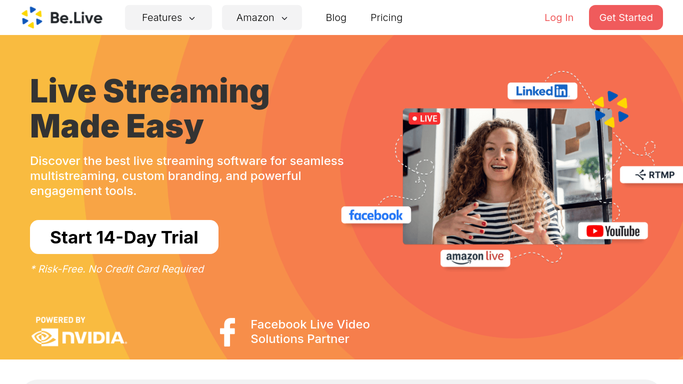
WebRun opens Be.Live to pull weekly broadcast stats. - Open Be.Live and list broadcasts from the last 7 days
- Capture peak viewers, comments, and reactions per broadcast
- Compare each against the show's recent average
Done when Every broadcast from the week has its engagement captured.
-
2
Slack - post the weekly scorecard
slack.com How to Automate Slack
WebRun opens Slack to post the weekly scorecard. - Post a weekly scorecard listing each broadcast and its engagement
- Rank broadcasts from highest to lowest viewers
- Send it to your content team's channel
Done when The weekly Be.Live scorecard is posted in Slack.
-
3
Telegram - ping on a viewership drop
telegram.org How to Automate Telegram
WebRun opens Telegram to ping on a viewership drop. - Send a direct ping only when a broadcast's peak viewers dropped more than 30 percent from average
- Name the broadcast and the drop
- Leave investigating the cause to the team
Done when Anyone with a broadcast in sharp decline has been pinged on Telegram.


How do I track weekly viewership trends across my Be.Live broadcasts?
WebRun pulls peak viewers, comments, and reactions from every Be.Live broadcast each Monday, comparing them against that show's recent average. It posts a ranked weekly scorecard to Slack, and pings Telegram directly if a broadcast's viewership dropped more than 30 percent, so a show that's losing its audience gets noticed the same week.
- Viewership trends are visible every week without opening Be.Live
- A struggling show gets flagged the same week
- Top-performing broadcasts are easy to spot at a glance
Built for live show hosts · brand streamers · media companies · content creators
How is each run configured?
Secure by default
Connect once, stays signed in
WebRun signs in once and keeps each session in a persistent environment, so every run picks up right where it left off.
Every action is checked against this policy before it runs.
Questions, answered
Does it start or schedule a broadcast?
No. WebRun only reads engagement data after a broadcast airs. Starting or scheduling a show in Be.Live stays with you.
What counts as a sharp drop?
Peak viewers more than 30 percent below that show's recent average, so the alert reflects your own normal, not an outside benchmark.
Does the Telegram ping go to viewers?
No. It only goes to your team. Viewers and guests are never contacted.
Related templates
Put this on autopilot.
Turn it on in minutes - or have our team set it up for you.