Chase down failed and overdue payments
Every Monday, WebRun opens Baremetrics, lists this week's failed charges and involuntary churn ranked by monthly value, opens a Trello card for each one, and pings the founder or finance owner on WhatsApp for anything above your value threshold.
- No credit card
- Under $0.01 per run
- Cancel anytime
How do I keep track of failed and overdue payments in Baremetrics?
WebRun checks Baremetrics every Monday for failed charges and involuntary churn, opens a Trello card for each one ranked by monthly value, and pings the founder or finance owner on WhatsApp for anything above your value threshold. It never contacts the customer directly, just makes sure no failed payment gets forgotten.
- No failed payment sits unnoticed past the week it happened
- High-value failures get a direct ping, not buried in a report
- Recovered payments clear themselves off the chase list automatically
Built for SaaS founders · finance teams · revenue operations · customer success
What does WebRun do on every run?
The exact actions WebRun takes, in order - in plain language, so you can adjust anything.
-
WebRun signs in and gets to work
Opens
app.baremetrics.comin a real browser with your saved login - no setup, no API keys. -
1
Baremetrics - check failed and overdue charges
baremetrics.com
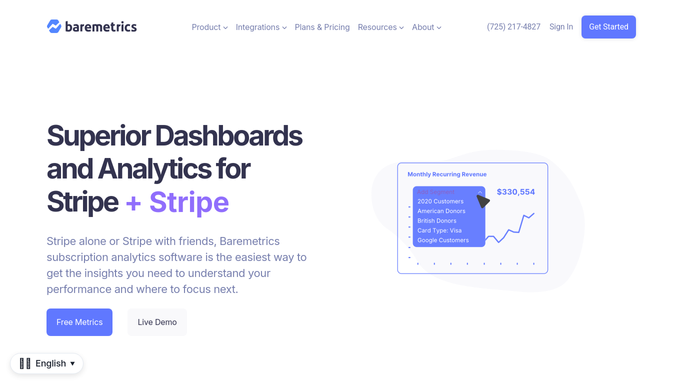
WebRun opens Baremetrics to check failed and overdue charges. - Open Baremetrics and list this week's failed charges and involuntary churn
- Note the customer, plan value, and reason for the failure where available
- Rank them by monthly value
Done when Every failed or overdue charge this week has been listed with its details.
-
2
Trello - open a card to review each
trello.com How to Automate Trello

WebRun opens Trello to create a card to review each. - Open a card for each failed charge with the customer and amount
- Order the board with the highest-value failures at the top
Done when A Trello card exists for every failed or overdue charge.
-
3
WhatsApp - ping on high-value failures
whatsapp.com How to Automate WhatsApp

WebRun sends a WhatsApp message to ping on high-value failures. - Message the founder or finance owner for any failure above your value threshold
- Leave the follow-up decision to them. Never contact the customer directly
Done when A WhatsApp ping has gone out for every high-value failure.
How is each run configured?
Secure by default
Connect once, stays signed in
WebRun signs in once and keeps each session in a persistent environment, so every run picks up right where it left off.
Every action is checked against this policy before it runs.
Questions, answered
Will it contact the customer about their failed payment?
No. WebRun only builds the internal chase list. Reaching out to the customer, whether by email or your billing system's dunning flow, is left to your team.
How does it decide what's high value?
It ranks failed charges by monthly plan value against the threshold you set, so only your biggest at-risk accounts trigger a WhatsApp ping.
What happens once a payment is recovered?
It reads the live charge status from Baremetrics each run, so a customer who's since paid drops off next week's chase list automatically.
Related templates
Put this on autopilot.
Turn it on in minutes - or have our team set it up for you.