Send annual backflow test-due reminders to every customer on schedule
Every morning, WebRun opens SwiftComply, finds every backflow device whose annual test is due within the next 30 days, drafts a polite reminder notice for each property owner, logs the outreach in Google Sheets, and queues every draft in Gmail for your review before a single message leaves your account.
- No credit card
- Under $0.01 per run
- Cancel anytime
What does WebRun do on every run?
The exact actions WebRun takes, in order - in plain language, so you can adjust anything.
-
WebRun signs in and gets to work
Opens
app.swiftcomply.comin a real browser with your saved login - no setup, no API keys. -
1
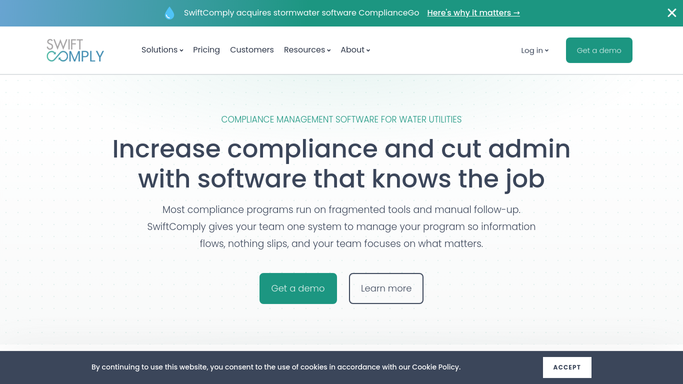
SwiftComply - find devices due for annual test
swiftcomply.com How to Automate SwiftComply

WebRun opens SwiftComply to find devices due for annual test. - Open SwiftComply and navigate to the backflow device list
- Filter assemblies by next test-due date within the next 30 days
- Capture the property address, owner contact, device serial number, and due date for each result
- Skip any device that already has a submitted test for the current compliance year
Done when Every device due in the next 30 days is listed with owner contact and due date.
-
2
Google Sheets - log upcoming-due list
google.com How to Automate Google Sheets
WebRun opens Google Sheets to log upcoming-due list. - Open the backflow outreach tracking sheet
- Append a row for each due device with address, owner, due date, and status set to Pending
- Flag any devices already contacted this cycle to avoid duplicate outreach
Done when Every due device has a row in the tracking sheet.
-
3
Gmail - draft reminder notices for review
gmail.com How to Automate Gmail
WebRun opens Gmail to draft reminder notices for review. - Draft a polite, on-brand annual test-due reminder for each property owner
- Include the device address, serial number, due date, and instructions for scheduling a test
- Save every draft to the Gmail Drafts folder. Do not send. Leave all drafts for your review and approval before sending
Done when One reviewed draft per customer is waiting in Gmail Drafts, ready to send after your approval.


How can I automatically remind customers when their backflow test is due?
WebRun checks SwiftComply every morning for backflow devices whose annual test is due within 30 days, logs each one in Google Sheets, and saves a personalized reminder draft in Gmail for each property owner. Nothing is sent until your team reviews and approves the drafts, so every customer notice is accurate before it goes out.
- No device slips past its annual test deadline without a reminder queued
- Every customer draft is reviewed before sending, keeping communications accurate
- Google Sheets log gives a real-time view of upcoming-due devices and outreach status
Built for water utilities · backflow testing companies · municipal cross-connection control programs · plumbing contractors
How is each run configured?
Secure by default
Connect once, stays signed in
WebRun signs in once and keeps each session in a persistent environment, so every run picks up right where it left off.
Every action is checked against this policy before it runs.
Questions, answered
Will it send reminder emails to customers automatically?
No. WebRun drafts every reminder and saves it to your Gmail Drafts folder. Nothing is sent until you review and approve each message. You stay in full control of all customer-facing communications.
How far in advance does it flag devices coming due?
By default it flags devices with a test due within the next 30 days. You can adjust that window to 60 or 90 days to suit your compliance program's lead time.
What if a device already has a test submitted for this year?
It reads the live compliance status in SwiftComply each morning, so any device with a current passing test on file is skipped automatically and not added to the draft queue.
Related templates
Put this on autopilot.
Turn it on in minutes - or have our team set it up for you.