Automated Avast License Renewal Reminders
Every morning, WebRun opens the Avast Business console, checks which device licenses and protection subscriptions expire in the next 14 days, adds each renewal date to Google Calendar, and sends you a WhatsApp reminder so no device goes unprotected.
How do I make sure Avast device licenses never expire without warning?
WebRun checks your Avast Business console every morning for device licenses expiring within 14 days, adds each renewal date to Google Calendar, and sends you a WhatsApp reminder naming the plan and seat count. It never renews a license or charges a card itself, so devices stay protected without a surprise lapse.
- Renewal dates land on the calendar the same day they're spotted, not after they lapse
- Every expiring seat is listed with its exact days remaining
- You get a personal WhatsApp nudge instead of relying on Avast's own emails
Built for IT admins · small business owners · managed service providers · office managers
What does WebRun do on every run?
The exact actions WebRun takes, in order - in plain language, so you can adjust anything.
-
WebRun signs in and gets to work
Opens
my.avast.comin a real browser with your saved login - no setup, no API keys. -
1
Avast - check license expiry
avast.com
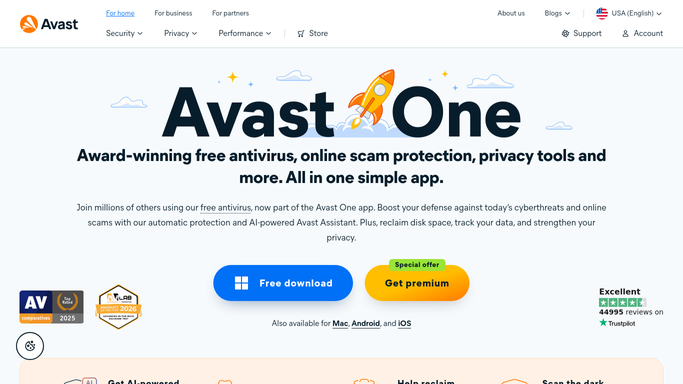
WebRun opens Avast to check license expiry. - Open the Avast Business console and check license and subscription status
- List devices and seats whose protection expires in the next 14 days
- Note the plan, seat count, and exact expiry date for each
Done when Every license expiring within 14 days is listed with its details.
-
2
Google Calendar - schedule the renewal date
calendar.google.com

WebRun opens Google Calendar to schedule the renewal date. - Open Google Calendar and check for an existing renewal event
- Add or update an event on the expiry date for each expiring license
- Set a reminder several days ahead so there is time to act
Done when Every expiring license has a dated event on the calendar.
-
3
WhatsApp - remind you before it lapses
whatsapp.com

WebRun opens WhatsApp to remind you before it lapses. - Send a WhatsApp message summarizing licenses expiring soon
- List the plan, seat count, and days remaining for each
- Send only to you, never to end users or customers
Done when You have a WhatsApp reminder for this week's expiring licenses.
How is each run configured?
Secure by default
Connect once, stays signed in
WebRun signs in once and keeps each session in a persistent environment, so every run picks up right where it left off.
Every action is checked against this policy before it runs.
Questions, answered
Will it renew the license or charge a card automatically?
No. WebRun only reports what is expiring and reminds you. Renewing a license or updating payment is a step you take yourself in the Avast console.
Who receives the WhatsApp reminder?
Only you, the account owner. WebRun never messages end users, employees, or customers about license status.
What if I already renewed?
It reads the live license status in Avast each morning, so anything already renewed is dropped from the reminder automatically.
Related templates
Put this on autopilot.
Turn it on in minutes - or have our team set it up for you.