File every episode transcript where the team can use it
Every morning, WebRun opens Auphonic, finds the productions that finished overnight, collects each one's transcript, chapter marks, and output file details, files them against the right episode in Airtable, and tells your show notes writer on Telegram which episodes are ready to work from.
- No credit card
- Under $0.01 per run
- Cancel anytime
How do I get transcripts and chapters out of Auphonic automatically?
WebRun opens Auphonic every morning, finds the productions that finished overnight, and collects each one's transcript and chapter marks. It files them against the right episode in Airtable and posts to Telegram which episodes are ready, so the show notes writer starts work without waiting on a manual export.
- Show notes start from the transcript the morning after a production finishes
- Transcripts and chapters live in Airtable, searchable across every episode
- Failed productions are named instead of quietly skipped
Built for podcasters · audio producers · show notes writers · media teams
What does WebRun do on every run?
The exact actions WebRun takes, in order - in plain language, so you can adjust anything.
-
WebRun signs in and gets to work
Opens
auphonic.comin a real browser with your saved login - no setup, no API keys. -
1
Auphonic - collect finished transcripts and chapters
auphonic.com
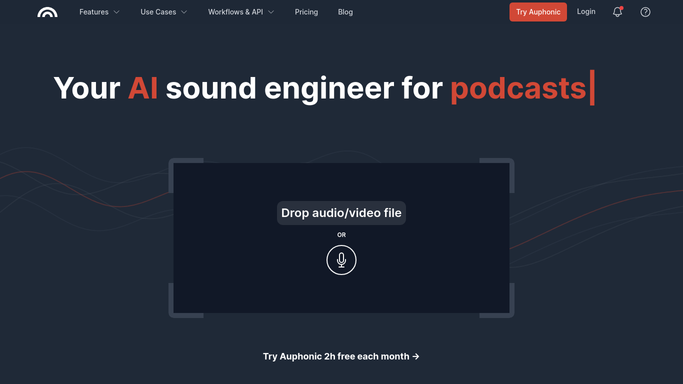
WebRun opens Auphonic to collect finished transcripts and chapters. - Open Auphonic and list the productions that finished since the last run
- Skip anything still processing or stopped with an error
- Collect each finished production's transcript text and chapter marks
- Note the preset used, the output files produced, and the production title and date
Done when Every production that finished overnight has its transcript and chapters collected.
-
2
Airtable - file them against the episode
airtable.com How to Automate Airtable

WebRun opens Airtable to file them against the episode. - Open the episode base in Airtable and match each production to its episode record
- Paste the transcript into the transcript field and the chapter marks into the chapters field
- Record the production date, the preset, and which output files exist
- Create a new episode row when no match exists rather than overwriting an unrelated one
Done when Every finished episode row carries its transcript and chapter list.
-
3
Telegram - tell the writer they are ready
telegram.org How to Automate Telegram

WebRun opens Telegram to tell the writer they are ready. - Post to the production channel which episodes now have a transcript and chapters ready
- Include the episode title, its length, and how many chapter marks it carries
- Name anything that finished with an error so the editor knows to rerun it
Done when The production channel knows which episodes are ready to write from.
How is each run configured?
Secure by default
Connect once, stays signed in
WebRun signs in once and keeps each session in a persistent environment, so every run picks up right where it left off.
Every action is checked against this policy before it runs.
Questions, answered
Does it publish the episode or change the production?
No. WebRun only reads finished productions and copies the text out. Publishing, re-encoding, and editing a production stay entirely with your editor.
What happens to productions that failed?
They are skipped rather than filed, and named in the Telegram post so the editor knows something needs a rerun. Only cleanly finished productions reach Airtable.
Will it overwrite a transcript I already edited?
No. It fills the transcript and chapter fields on episode rows that are still empty and creates a new row when it finds no match, so hand-edited text is left alone.
Related templates
Put this on autopilot.
Turn it on in minutes - or have our team set it up for you.