Track your Atom Bank mortgage checklist
Every morning, WebRun signs in to the Atom Bank mortgage application portal, lists every outstanding document or step with its deadline, updates an Airtable checklist marking each item's status, and emails you a short reminder of what Atom Bank is still waiting on.
- No credit card
- Under $0.01 per run
- Cancel anytime
How do I track outstanding items on my Atom Bank mortgage application?
WebRun signs in to the Atom Bank mortgage application portal every morning, lists every outstanding document or step with its deadline, and updates an Airtable checklist marking each item's status. It then emails you a short reminder of exactly what Atom Bank is still waiting on, so nothing holds up your application because a form got missed.
- Nothing holds up your mortgage because a document got missed
- The checklist status is always current in Airtable
- You get a same-day email the moment something new is requested
Built for homebuyers · mortgage applicants · Atom Bank customers
What does WebRun do on every run?
The exact actions WebRun takes, in order - in plain language, so you can adjust anything.
-
WebRun signs in and gets to work
Opens
www.atombank.co.ukin a real browser with your saved login - no setup, no API keys. -
1
Atom Bank - check outstanding mortgage application items
atombank.co.uk
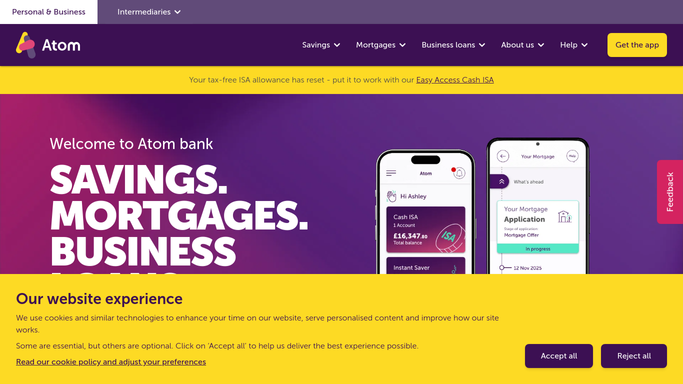
WebRun opens Atom Bank to check outstanding mortgage application items. - Sign in to the Atom Bank mortgage application portal
- List every requested document or step still outstanding
- Note the deadline for each if one is given
Done when Every outstanding application item is listed with its deadline.
-
2
Airtable - log the checklist status
airtable.com How to Automate Airtable

WebRun logs the checklist status in Airtable. - Update the Mortgage Checklist base with each item's status
- Mark items received as complete and leave the rest open
Done when The checklist in Airtable reflects the current application status.
-
3
Gmail - email the outstanding items reminder
gmail.com How to Automate Gmail

WebRun emails the outstanding items reminder through Gmail. - Email a reminder listing what is still outstanding and any deadline
- Keep the email short and actionable
Done when You have an emailed reminder of exactly what Atom Bank is still waiting on.
How is each run configured?
Secure by default
Connect once, stays signed in
WebRun signs in once and keeps each session in a persistent environment, so every run picks up right where it left off.
Every action is checked against this policy before it runs.
Questions, answered
What counts as an outstanding item?
Any document, form, or step the Atom Bank portal still shows as requested or incomplete. Once it shows as received, WebRun marks it complete in Airtable and drops it from the reminder.
Will WebRun submit documents or make a payment toward my mortgage?
No. WebRun only reads the application status and reports on it. It never uploads a document, submits anything, or moves money. Every action inside the application stays yours to take.
Will I get emailed every day even with nothing outstanding?
No. Once every checklist item is marked complete in Airtable, there is nothing left to chase and the daily email stops on its own.
Related templates
Put this on autopilot.
Turn it on in minutes - or have our team set it up for you.