Get a daily digest of your Appwrite projects
Every morning, WebRun opens the Appwrite console, reads function execution counts, database usage, and storage across every project, logs the day's numbers to Airtable for a running history, and emails you the digest.
- No credit card
- Under $0.01 per run
- Cancel anytime
What does WebRun do on every run?
The exact actions WebRun takes, in order - in plain language, so you can adjust anything.
-
WebRun signs in and gets to work
Opens
cloud.appwrite.ioin a real browser with your saved login - no setup, no API keys. -
1
Appwrite - check functions, database and storage
appwrite.io

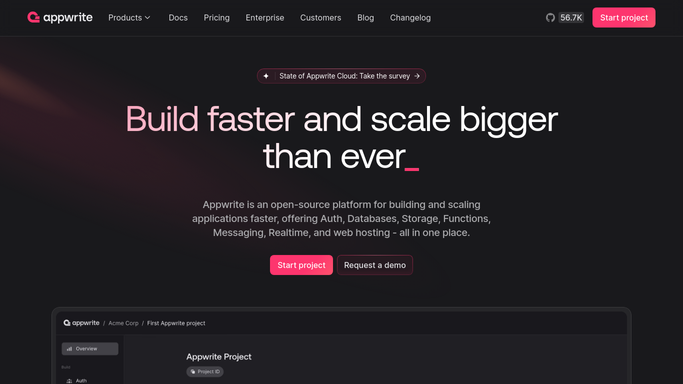
WebRun opens Appwrite to check functions, database and storage. - Open the Appwrite console and review every project
- Read function execution counts, database document counts, and storage usage for the day
- Note anything with an unusual jump
Done when Every project has a current usage reading across functions, database, and storage.
-
2
Airtable - log the day's numbers
airtable.com How to Automate Airtable
WebRun opens Airtable to log the day's numbers. - Log the day's numbers as a new record per project
- Keep a running history so trends over time are visible
Done when Today's numbers are logged for every project.
-
3
Gmail - email the digest
gmail.com How to Automate Gmail
WebRun opens Gmail to email the digest. - Email the digest summarizing usage across every project
- Flag any project with an unusual jump in executions or storage
Done when You have today's Appwrite digest in your inbox.


How do I track daily usage across my Appwrite projects?
WebRun checks every Appwrite project each morning, reading function execution counts, database usage, and storage across the account. It logs the day's numbers to Airtable for a running history and emails you the digest, flagging any project with an unusual jump, so usage changes are visible before they turn into a real cost or performance surprise.
- Every project gets a daily usage check across functions and storage
- Unusual usage jumps get flagged before they become a real cost
- A running usage history builds up in Airtable automatically
Built for Backend engineering teams · indie developers · startup CTOs · platform engineers
How is each run configured?
Secure by default
Connect once, stays signed in
WebRun signs in once and keeps each session in a persistent environment, so every run picks up right where it left off.
Every action is checked against this policy before it runs.
Questions, answered
Will it change a project's functions or database on its own?
No. WebRun only reads usage data and reports it. Changing a function, a database, or any project setting always stays a manual step in Appwrite.
What counts as an unusual jump?
A clear spike in function executions or storage compared to the project's normal daily pattern. It's flagged for a look, not acted on automatically.
Does the digest cover every project on the account?
Yes. It reviews every project under the account each morning, not just your main one.
Related templates
Put this on autopilot.
Turn it on in minutes - or have our team set it up for you.