See exactly where an ApproveMe approval chain is stuck
Every morning, WebRun opens ApproveMe, checks each document with more than one signer, works out exactly which approver in the sequence hasn't acted yet, posts a Slack alert naming that person and how long the document has waited, and files any document that reached full approval into Google Drive.
- No credit card
- Under $0.01 per run
- Cancel anytime
How do I find out who is holding up an ApproveMe approval chain?
WebRun checks your multi-signer ApproveMe documents every morning, works out exactly which approver in the sequence hasn't acted, and posts a Slack alert naming that person and how long the document has waited. Fully approved documents are filed into Google Drive automatically, so approval bottlenecks get named and fixed instead of sitting unexplained.
- The exact holdup approver is named, not just the stalled document
- The longest-stalled approvals are surfaced first every morning
- Fully approved documents are filed without manual downloading
Built for Legal operations · procurement teams · HR approval workflows · small business owners
What does WebRun do on every run?
The exact actions WebRun takes, in order - in plain language, so you can adjust anything.
-
WebRun signs in and gets to work
Opens
approveme.comin a real browser with your saved login - no setup, no API keys. -
1
ApproveMe - check the approval sequence
approveme.com
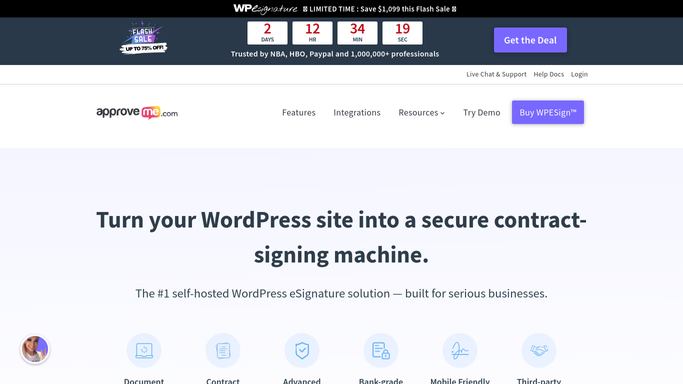
WebRun opens ApproveMe to check the approval sequence. - Open ApproveMe and list documents awaiting multi-signer approval
- Read the order of approvers and who has acted so far
- Identify the specific approver currently holding up each document
Done when Every stalled document has its holdup approver identified.
-
2
Slack - alert on the holdup approver
slack.com How to Automate Slack

WebRun opens Slack to alert on the holdup approver. - Post an alert naming the approver currently holding up each document
- Include the document name and days it has waited at that step
- Rank the longest-stalled documents first
Done when Every stalled approval chain has been alerted with its holdup name.
-
3
Google Drive - archive fully approved documents
drive.google.com How to Automate Google Drive

WebRun opens Google Drive to archive fully approved documents. - Download every document that reached full approval overnight
- File it into the matching project or client folder
- Name the file with the completion date
Done when Every fully approved document is filed in Drive.
How is each run configured?
Secure by default
Connect once, stays signed in
WebRun signs in once and keeps each session in a persistent environment, so every run picks up right where it left off.
Every action is checked against this policy before it runs.
Questions, answered
Does WebRun nudge the holdup approver directly?
No. It only names them in an internal Slack alert. Reaching out to that approver is a step your team takes themselves.
How does it know which approver is actually holding things up?
It reads the approval sequence ApproveMe already enforces and checks who has acted and who hasn't, so the alert names the real bottleneck, not just the document owner.
What happens after every approver signs off?
The document is filed automatically into Google Drive and drops off the stalled list, no further alert is sent for it.
Related templates
Put this on autopilot.
Turn it on in minutes - or have our team set it up for you.