Chase overdue Anna Money invoices for you
Every Monday, WebRun opens Anna Money, finds every invoice past its due date, drafts a polite reminder for each inside Anna Money without sending it, posts the full chase list sorted by days overdue to Slack, and pings you on Telegram that reminders are ready to review.
- No credit card
- Under $0.01 per run
- Cancel anytime
How do I chase overdue invoices in Anna Money every week?
WebRun checks Anna Money every Monday for invoices past due, drafts a polite reminder for each one inside Anna Money without sending it, and posts the full chase list sorted by days overdue to Slack. It also pings you on Telegram so you know reminders are waiting, meaning nothing reaches a customer until you review and send it.
- Overdue invoices get a drafted reminder ready to send, not forgotten
- The team sees the full chase list sorted by days overdue
- Nothing reaches a customer without your review first
Built for freelancers · UK small businesses · sole traders
What does WebRun do on every run?
The exact actions WebRun takes, in order - in plain language, so you can adjust anything.
-
WebRun signs in and gets to work
Opens
anna.moneyin a real browser with your saved login - no setup, no API keys. -
1
Anna Money - find overdue invoices and draft reminders
anna.money
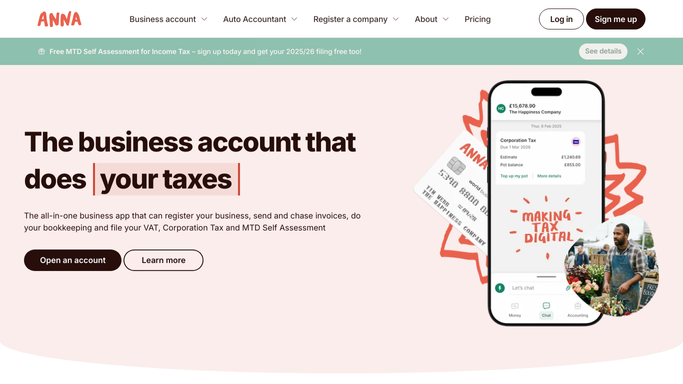
WebRun opens Anna Money to find overdue invoices and draft reminders. - Open Anna Money and filter invoices to overdue
- Capture the customer, amount, and days overdue for each
- Draft a polite reminder for each invoice inside Anna Money, but leave it unsent
Done when Every overdue invoice has a drafted reminder waiting for review.
-
2
Slack - post the chase list to the team
slack.com How to Automate Slack

WebRun posts the chase list to the team in Slack. - Post the full chase list, with customer, amount, and days overdue, to the finance Slack channel
- Sort by the most overdue first
Done when The team has today's chase list in Slack.
-
3
Telegram - notify you that reminders are ready to review
telegram.org How to Automate Telegram

WebRun notifies you in Telegram that reminders are ready to review. - Send you a message noting how many reminders are drafted and waiting
- Link back to Anna Money to review and send them
Done when You know drafted reminders are waiting for your review in Telegram.
How is each run configured?
Secure by default
Connect once, stays signed in
WebRun signs in once and keeps each session in a persistent environment, so every run picks up right where it left off.
Every action is checked against this policy before it runs.
Questions, answered
Will it email or message my customers directly?
No. WebRun only drafts the reminder text inside Anna Money. Nothing goes to a customer until you review and send it yourself.
Will WebRun collect payment or issue a refund on an invoice?
No. WebRun only finds and reports on overdue invoices. It never collects a payment, issues a refund, or moves money. Any payment action stays in Anna Money for you to handle.
How is the chase list sorted?
By days overdue, so the invoices that have been waiting longest for payment sit at the top of the Slack list.
Related templates
Put this on autopilot.
Turn it on in minutes - or have our team set it up for you.