Automated Alitu Episode Publish Checks
When you finish an episode in Alitu, WebRun opens the recording, confirms the episode title, show notes, transcript, and publish destination are all in place, records a pass or fail per item in Airtable, and drafts the episode page in Notion for you to publish.
How do I check a podcast episode is ready before publishing it?
When you finish an episode in Alitu, WebRun walks the publish checklist: title, show notes, transcript, and destination. WebRun records a pass or fail per item in Airtable and drafts the episode page in Notion, then leaves the publish button to you, so nothing goes live half finished.
- No episode goes live missing its show notes or transcript
- Every episode has an auditable pass or fail row in Airtable
- The Notion page is written before publish day, not after
Built for podcast producers · indie podcasters · audio agencies · content teams
What does WebRun do on every run?
The exact actions WebRun takes, in order - in plain language, so you can adjust anything.
-
WebRun signs in and gets to work
Opens
alitu.comin a real browser with your saved login - no setup, no API keys. -
1
Alitu - check the finished episode
alitu.com
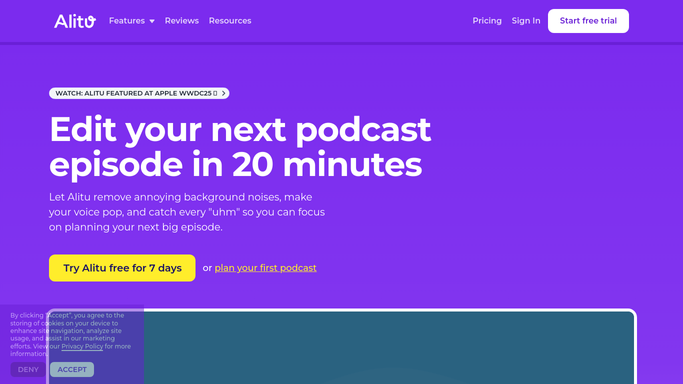
WebRun opens Alitu to check the finished episode. - Open the finished episode in Alitu and confirm the recording is fully processed
- Check the episode title matches your naming pattern, and that show notes are written and not placeholder text
- Confirm the transcript exists and that the publish destination is set to the right show
- Publish nothing. WebRun verifies the episode and stops, so releasing it stays your call
Done when Every checklist item on the episode is marked pass or fail.
-
2
Airtable - log pass or fail per item
airtable.com

WebRun opens Airtable to log pass or fail per item. - Open the episodes base and add or update the row for this episode
- Write a pass or fail against each checklist item: title, notes, transcript, destination
- Set the row status to ready or blocked, and note what is missing where an item failed
Done when The episode's row in Airtable shows every item checked and an overall status.
-
3
Notion - draft the episode page
notion.so

WebRun opens Notion to draft the episode page. - Create the episode page in the show database with the title and episode number
- Paste in the show notes and link the transcript so the page is ready to go with the audio
- Add a short blocked list at the top when an item failed, naming what still needs fixing
Done when The episode has a Notion page carrying its notes, transcript link, and any blockers.
How is each run configured?
Secure by default
Connect once, stays signed in
WebRun signs in once and keeps each session in a persistent environment, so every run picks up right where it left off.
Every action is checked against this policy before it runs.
Questions, answered
Will it publish the episode itself?
No. WebRun checks the episode and prepares the page, then stops. Pressing publish and pushing the episode to your host is always done by a person.
Can I change what is on the checklist?
Yes. The four defaults are title, show notes, transcript, and destination, and you can add your own items such as artwork, sponsor read, or chapter markers.
What happens when an item fails?
The Airtable row is marked blocked and the Notion page opens with a short list of what is missing, so the producer sees the gap before the episode goes near a release date.
Related templates
Put this on autopilot.
Turn it on in minutes - or have our team set it up for you.