Send today's pickup route to your driver
Every weekday morning, WebRun opens ElderSuite, pulls today's roster of participants needing transportation with their pickup addresses and requested times, orders them into an efficient route in Google Sheets, and texts the driver the full run sheet by Twilio so the van leaves with a clear plan.
- No credit card
- Under $0.01 per run
- Cancel anytime
What does WebRun do on every run?
The exact actions WebRun takes, in order - in plain language, so you can adjust anything.
-
WebRun signs in and gets to work
Opens
app.eldersuite.comin a real browser with your saved login - no setup, no API keys. -
1
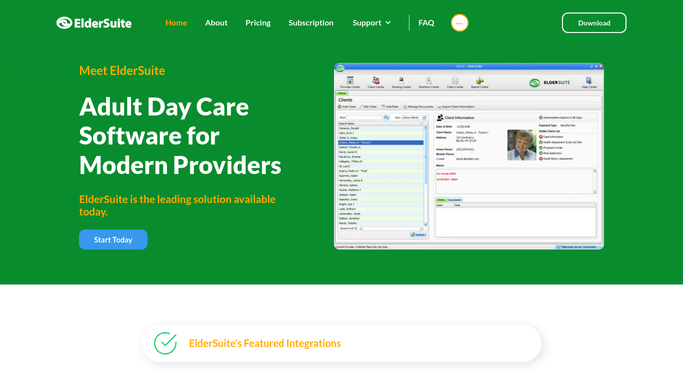
ElderSuite - pull today's pickup roster and addresses
eldersuite.com How to Automate ElderSuite

WebRun opens ElderSuite to pull today's pickup roster and addresses. - Open ElderSuite and pull today's list of participants scheduled for transportation
- Capture each participant's pickup address, requested pickup window, and any mobility equipment note
- Exclude anyone marked absent or canceled for today
Done when Today's full transportation roster is listed with address and pickup window for each rider.
-
2
Google Sheets - build the ordered route sheet
google.com How to Automate Google Sheets
WebRun opens Google Sheets to build the ordered route sheet. - Open the daily route sheet
- Order today's riders into a single efficient route by pickup window and location
- List each stop with participant initials, address, and mobility note
Done when Today's route is ordered stop by stop in the sheet.
-
3
Twilio - text the driver the day's route
twilio.com How to Automate Twilio
WebRun opens Twilio to text the driver the day's route. - Text the day's ordered route to the assigned driver's phone
- Include the stop order, addresses, and any mobility equipment notes
- Send the message only to the driver on file, never to a participant or family
Done when The assigned driver has today's full route by text before the first pickup.


How do I get today's transportation route to my driver automatically?
WebRun opens ElderSuite every weekday morning, pulls the day's transportation roster with pickup addresses and requested windows, and orders the stops into one efficient route in Google Sheets. It then texts the full run, stop by stop, to the assigned driver's phone by Twilio, so the van leaves with a clear plan before the first pickup.
- Drivers get an ordered route by text before the first pickup, not a paper list at the door
- Last-minute cancellations drop off the route automatically each morning
- Mobility equipment notes travel with the route so nothing is missed curbside
Built for adult day care transportation coordinators · ADHC drivers and dispatch · day center operations managers
How is each run configured?
Secure by default
Connect once, stays signed in
WebRun signs in once and keeps each session in a persistent environment, so every run picks up right where it left off.
Every action is checked against this policy before it runs.
Questions, answered
Will it text participants or families about pickup times?
No. The route text goes only to your assigned driver's phone. WebRun never messages a participant or family member as part of this workflow.
What happens if a rider cancels last minute?
It pulls the roster fresh each morning from ElderSuite, so anyone marked absent or canceled before the run is automatically excluded from the route.
How does it decide the stop order?
It orders stops by each rider's requested pickup window and location so the driver runs an efficient loop instead of backtracking across town.
Related templates
Put this on autopilot.
Turn it on in minutes - or have our team set it up for you.