Turn activity logs into a weekly participation report
Every Monday morning, WebRun opens ElderSuite, pulls last week's activity and program attendance for every participant, builds a participation report broken down by activity type and engagement level in Google Sheets, and emails your activities director a summary highlighting who is disengaging and which programs draw the most participation.
- No credit card
- Under $0.01 per run
- Cancel anytime
What does WebRun do on every run?
The exact actions WebRun takes, in order - in plain language, so you can adjust anything.
-
WebRun signs in and gets to work
Opens
app.eldersuite.comin a real browser with your saved login - no setup, no API keys. -
1
ElderSuite - pull last week's activity attendance
eldersuite.com How to Automate ElderSuite

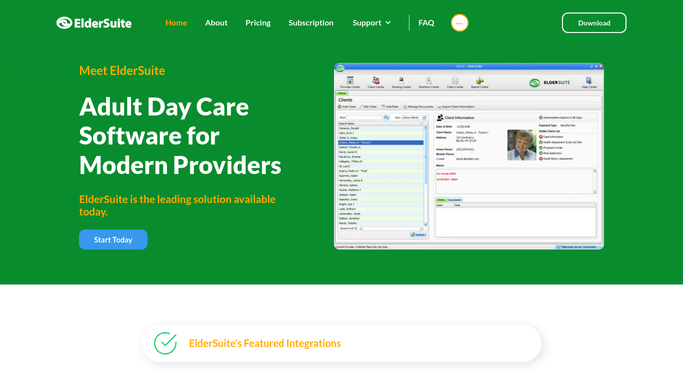
WebRun opens ElderSuite to pull last week's activity attendance. - Open ElderSuite and pull the activity participation log for the past 7 days
- Capture which participants attended each activity and program
- Note any participant with no logged activity participation all week
Done when Last week's full activity participation is listed by participant and program.
-
2
Google Sheets - build the participation report
google.com How to Automate Google Sheets
WebRun opens Google Sheets to build the participation report. - Open the weekly participation report sheet
- Break down attendance by activity type and count each participant's weekly engagement level
- Sort to surface participants with zero or low participation at the top
Done when The week's participation is totaled by activity and by participant engagement level.
-
3
Gmail - email the engagement summary
gmail.com How to Automate Gmail
WebRun opens Gmail to email the engagement summary. - Draft and send an internal summary email to the activities director with the week's top and lowest participation trends
- Link the full Google Sheet in the email
- List participants with no logged participation so outreach can be planned
Done when The activities director has this week's participation summary in their inbox.


How do I track weekly activity participation and spot disengaged participants?
WebRun pulls last week's activity participation from ElderSuite every Monday, breaks it down by program and participant engagement level in Google Sheets, and emails your activities director a summary highlighting the most popular programs and anyone with zero logged participation, so disengagement gets noticed within days rather than at the next care conference.
- Disengaged participants surface within a week instead of at the next care conference
- Activities directors open Monday to a ready-made engagement summary
- Popular programs are identified by real attendance data, not guesswork
Built for adult day care activities directors · ADHC program coordinators · day center administrators
How is each run configured?
Secure by default
Connect once, stays signed in
WebRun signs in once and keeps each session in a persistent environment, so every run picks up right where it left off.
Every action is checked against this policy before it runs.
Questions, answered
Does it contact disengaged participants or families directly?
No. It only emails an internal summary to your activities director. Any outreach to a participant or family about low participation is a step your team takes after reviewing the report.
How does it measure engagement?
It counts each participant's logged activity attendance over the past 7 days in ElderSuite and sorts the report so anyone with zero or low participation surfaces at the top.
Can it tell me which activities are most popular?
Yes. The report breaks down attendance by activity type each week, so you can see at a glance which programs draw the most participation.
Related templates
Put this on autopilot.
Turn it on in minutes - or have our team set it up for you.