Watch your census against capacity every morning
Every weekday morning, WebRun opens ElderSuite, tallies today's expected census against your center's licensed capacity and payer mix, logs the daily trend to Google Sheets so utilization is visible over time, and pings your admissions team on Telegram whenever open slots appear so the waitlist can be worked.
- No credit card
- Under $0.01 per run
- Cancel anytime
What does WebRun do on every run?
The exact actions WebRun takes, in order - in plain language, so you can adjust anything.
-
WebRun signs in and gets to work
Opens
app.eldersuite.comin a real browser with your saved login - no setup, no API keys. -
1
ElderSuite - tally today's expected census
eldersuite.com How to Automate ElderSuite

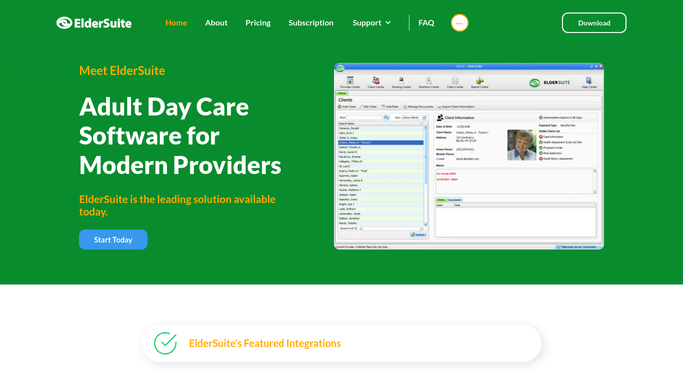
WebRun opens ElderSuite to tally today's expected census. - Open ElderSuite and count today's expected census across all confirmed attendees
- Compare the count to the center's licensed daily capacity
- Break the count down by payer type: private pay, Medicaid, and MCO
Done when Today's expected census is counted and compared against licensed capacity by payer type.
-
2
Google Sheets - log the daily capacity trend
google.com How to Automate Google Sheets
WebRun opens Google Sheets to log the daily capacity trend. - Open the daily census tracker
- Append today's census, capacity, and open-slot count as a new row
- Chart the trailing 30-day utilization rate
Done when Today's census and the 30-day utilization trend are logged in the sheet.
-
3
Telegram - alert admissions to open slots
telegram.org How to Automate Telegram
WebRun opens Telegram to alert admissions to open slots. - If today's census is below licensed capacity, post the open-slot count to the admissions channel
- Note the payer mix of the open slots so admissions can prioritize outreach
- Skip the alert entirely on days the center is at full capacity
Done when Admissions has an open-slot alert on any day capacity is not full, with the payer mix noted.


How do I track daily census against licensed capacity at my adult day center?
WebRun tallies today's expected census in ElderSuite every weekday morning, compares it against your licensed capacity and payer mix, and logs the result to a Google Sheet tracking a 30-day utilization trend. On any day confirmed attendance falls short of capacity, it pings your admissions team on Telegram with the open-slot count, so waitlist outreach happens the same morning.
- Open slots get flagged to admissions the same morning instead of surfacing at month end
- Utilization trend is visible over a rolling 30 days without building a report by hand
- Payer mix of open slots is included so outreach can be prioritized
Built for adult day care administrators · ADHC admissions teams · day center program directors
How is each run configured?
Secure by default
Connect once, stays signed in
WebRun signs in once and keeps each session in a persistent environment, so every run picks up right where it left off.
Every action is checked against this policy before it runs.
Questions, answered
Will it contact waitlisted families directly?
No. It only alerts your internal admissions channel that slots are open. Reaching out to anyone on the waitlist stays a call or message your admissions team makes.
How does it define an open slot?
It compares today's confirmed census in ElderSuite against your center's licensed daily capacity, so an open slot means confirmed attendance is below what you are licensed to serve that day.
Can I see utilization trends over time, not just today?
Yes. The Google Sheet logs a new row every weekday and charts the trailing 30-day utilization rate, so you can see whether capacity is tightening or loosening over time.
Related templates
Put this on autopilot.
Turn it on in minutes - or have our team set it up for you.