Get time cards approved before the cutoff
Every morning, WebRun opens ADP, reads the current pay period, counts unapproved time cards and missing punches grouped by manager, drafts a reminder SMS per manager in Twilio for your approval, and posts a countdown to the submission cutoff in Microsoft Teams.
- No credit card
- Under $0.01 per run
- Cancel anytime
What does WebRun do on every run?
The exact actions WebRun takes, in order - in plain language, so you can adjust anything.
-
WebRun signs in and gets to work
Opens
my.adp.comin a real browser with your saved login - no setup, no API keys. -
1
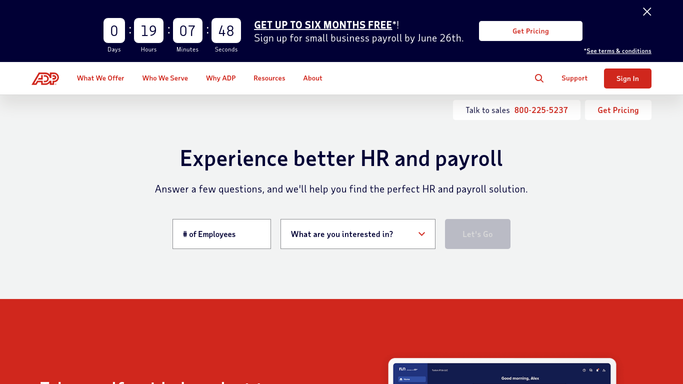
ADP - count unapproved time cards
adp.com

WebRun opens ADP to count unapproved time cards. - Sign in to ADP and open the current pay period
- List time cards that are still unapproved and note the employee and their manager
- Find time cards with missing punches or incomplete days and record what is missing
- Total the unapproved hours per manager and read the submission cutoff date and time
Done when Unapproved time cards, missing punches, and hours are grouped by manager against the cutoff.
-
2
Twilio - draft the manager nudges
twilio.com How to Automate Twilio
WebRun opens Twilio to draft the manager nudges. - Draft a short SMS per manager listing their unapproved cards and missing punches
- Name the cutoff time and how many hours are waiting on them
- Queue every message in Twilio unsent for your approval
- Send nothing to a manager until you release it
Done when A nudge is queued for each manager who still owes approvals, waiting on you.
-
3
Microsoft Teams - post the cutoff countdown
microsoft.com How to Automate Microsoft Teams
WebRun opens Microsoft Teams to post the cutoff countdown. - Post the countdown to your payroll channel in Microsoft Teams
- Show hours and time cards still unapproved, by manager
- State the cutoff date and time and how long is left
- List employees with missing punches so they can be fixed today
Done when Today's approval countdown is in Microsoft Teams.


How do I make sure every time card is approved before the payroll cutoff?
WebRun opens ADP every morning, reads the current pay period, and counts unapproved time cards and missing punches grouped by manager with the hours involved. It drafts a Twilio nudge per manager for your approval and posts a countdown to the submission cutoff in Microsoft Teams.
- Managers know which approvals they owe before the cutoff
- Missing punches are fixed the day they appear
- Payroll runs without a scramble on submission day
Built for payroll admins · HR managers · operations leads · multi site employers
How is each run configured?
Secure by default
Connect once, stays signed in
WebRun signs in once and keeps each session in a persistent environment, so every run picks up right where it left off.
Every action is checked against this policy before it runs.
Questions, answered
Will it approve time cards or run payroll?
No. WebRun only reads ADP and reports what is outstanding. Approving a time card, fixing a punch, and submitting payroll all stay with your managers and payroll admin.
Does it text managers on its own?
No. Every nudge is queued in Twilio unsent and waits for you to release it, so no manager is messaged about their approvals without your say so.
How does it know the cutoff?
It reads the current pay period and its submission cutoff from ADP each morning, then shows how much time is left alongside the hours still unapproved.
Related templates
Put this on autopilot.
Turn it on in minutes - or have our team set it up for you.