Save at-risk members
Every morning, WebRun opens WellnessLiving, identifies members whose class attendance has dropped below your threshold in the past 30 days, drafts a warm personal check-in email in Gmail for each, and posts an at-risk member list to Slack so your team can follow up before anyone churns.
- No credit card
- Under $0.01 per run
- Cancel anytime
What does WebRun do on every run?
The exact actions WebRun takes, in order - in plain language, so you can adjust anything.
-
WebRun signs in and gets to work
Opens
www.wellnessliving.comin a real browser with your saved login - no setup, no API keys. -
1
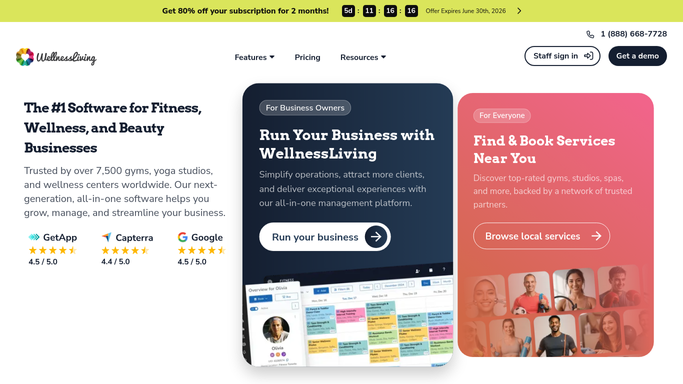
WellnessLiving - identify low-attendance members
wellnessliving.com How to Automate WellnessLiving

WebRun opens WellnessLiving to identify low-attendance members. - Open WellnessLiving and filter members by attendance in the past 30 days
- Flag anyone who has attended fewer classes than your set threshold this period
- Capture name, email, membership type, and last class date for each flagged member
Done when Every low-attendance member is listed with their details and last visit date.
-
2
Gmail - draft a check-in email for each
gmail.com How to Automate Gmail
WebRun opens Gmail to draft a check-in email for each. - Draft a warm, personal check-in email for each flagged member
- Reference their last class and invite them back with an encouraging tone
- Leave all drafts unsent for staff review before anything is sent to the member
Done when A personalised check-in email is drafted in Gmail for every at-risk member.
-
3
Slack - alert team with at-risk list
slack.com How to Automate Slack
WebRun opens Slack to alert team with at-risk list. - Post the at-risk member list to the team channel with name, last visit, and membership type
- Sort by longest absence first so the most at-risk members are at the top
- Prompt staff to review and send the Gmail drafts for each flagged member
Done when Team has this morning's at-risk member list in Slack with draft emails ready to send.


How do I automatically identify and reach out to at-risk yoga members?
WebRun opens WellnessLiving every morning, flags members whose attendance has dropped below your threshold, and drafts a warm check-in email in Gmail for each. The at-risk list is posted to Slack sorted by longest absence, so your team can intervene with a personal message before any member churns.
- At-risk members are flagged before they cancel, giving staff time to intervene
- Personalised check-in emails are ready to send with one click each morning
- Longest-absent members appear first so staff prioritise the highest-risk cases
Built for yoga studio owners · studio managers · membership-based fitness studios · WellnessLiving users
How is each run configured?
Secure by default
Connect once, stays signed in
WebRun signs in once and keeps each session in a persistent environment, so every run picks up right where it left off.
Every action is checked against this policy before it runs.
Questions, answered
Will it email members without my approval?
No. WebRun drafts every check-in email in Gmail and leaves it unsent. A staff member reviews and sends each one, so the outreach stays personal and on-brand.
How does it decide who is at risk?
You set the attendance threshold during setup, for example fewer than two classes in 30 days. WellnessLiving attendance data is read fresh each morning so the list is always current.
What if an at-risk member books a class after the morning run?
The list is regenerated fresh each morning from live WellnessLiving data. Members who rebook before the next run will not appear on tomorrow's at-risk list.
Related templates
Put this on autopilot.
Turn it on in minutes - or have our team set it up for you.