Reactivate lapsed members
Every Monday, WebRun opens WellnessLiving, finds members whose membership has lapsed in the past 30 to 90 days, logs the details in Google Sheets for tracking, drafts a personalised winback email for each via Mailchimp, and posts the batch to Slack for your team to review and approve before any email is sent.
- No credit card
- Under $0.01 per run
- Cancel anytime
What does WebRun do on every run?
The exact actions WebRun takes, in order - in plain language, so you can adjust anything.
-
WebRun signs in and gets to work
Opens
www.wellnessliving.comin a real browser with your saved login - no setup, no API keys. -
1
WellnessLiving - find lapsed members
wellnessliving.com How to Automate WellnessLiving

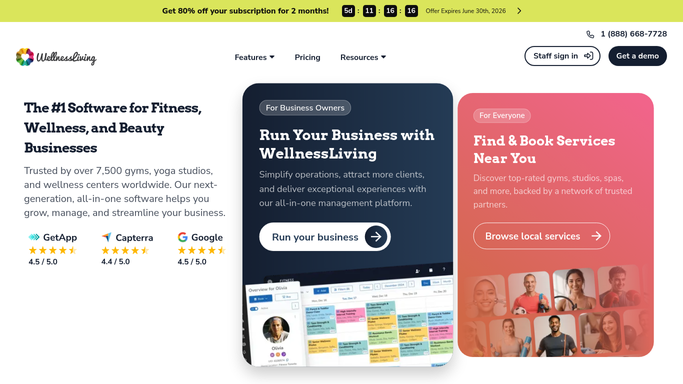
WebRun opens WellnessLiving to find lapsed members. - Open WellnessLiving and filter for members whose membership lapsed in the past 30 to 90 days
- Exclude members who have already received a winback email this quarter
- Capture name, email, last visit date, membership type, and total visit history
Done when This week's lapsed member list is compiled with all details needed for outreach.
-
2
Google Sheets - log lapsed member details for tracking
google.com How to Automate Google Sheets
WebRun opens Google Sheets to log lapsed member details for tracking. - Open the winback tracking spreadsheet
- Append a row for each newly identified lapsed member with their name, lapse date, and membership type
- Mark each as Pending until outreach is confirmed sent
Done when All lapsed members are logged in the tracking sheet with a Pending status.
-
3
Mailchimp - draft personalised winback emails
mailchimp.com How to Automate Mailchimp
WebRun opens Mailchimp to draft personalised winback emails. - Draft a personalised winback email for each lapsed member referencing their last visit and membership
- Include a warm return offer or simply an invitation to come back with no hard sell
- Save each as a draft in Mailchimp, do not schedule or send until staff review
Done when Winback email drafts are ready in Mailchimp for every lapsed member on this week's list.


How do I automatically reach out to lapsed yoga members to bring them back?
WebRun opens WellnessLiving every Monday, finds members who have lapsed in the past 30 to 90 days, logs them in Google Sheets for tracking, and drafts a personalised winback email in Mailchimp for each. All drafts are held for staff approval before sending, so reactivation outreach is timely, personal, and on-brand.
- Lapsed members are identified weekly and outreach is drafted without manual effort
- A tracking sheet prevents over-contacting the same member multiple times
- No email is sent without staff approval, keeping winback messaging personal
Built for yoga studio owners · studio managers · membership-based fitness studios · WellnessLiving users
How is each run configured?
Secure by default
Connect once, stays signed in
WebRun signs in once and keeps each session in a persistent environment, so every run picks up right where it left off.
Every action is checked against this policy before it runs.
Questions, answered
Will it email lapsed members without my approval?
No. Every winback email is saved as a draft in Mailchimp and left unscheduled. A staff member reviews each one and sends or schedules it from Mailchimp when satisfied.
How does it define a lapsed member?
By default it targets members whose membership ended 30 to 90 days ago. You can adjust both boundaries during setup to match how your studio defines a winback-eligible former member.
How does it avoid emailing the same lapsed member multiple times?
WebRun logs each outreach in Google Sheets and checks that log before building the next week's list. Members already contacted this quarter are excluded automatically.
Related templates
Put this on autopilot.
Turn it on in minutes - or have our team set it up for you.