Track open cargo claims from yard incidents to resolution
Every Monday, WebRun reviews open cargo claims recorded in YardView, posts a status digest to your claims Slack channel showing each claim's age, carrier, and last update, and drafts a polite status-request email in Gmail for any claim where the carrier has not responded in more than seven days.
- No credit card
- Under $0.01 per run
- Cancel anytime
What does WebRun do on every run?
The exact actions WebRun takes, in order - in plain language, so you can adjust anything.
-
WebRun signs in and gets to work
Opens
www.yardview.comin a real browser with your saved login - no setup, no API keys. -
1
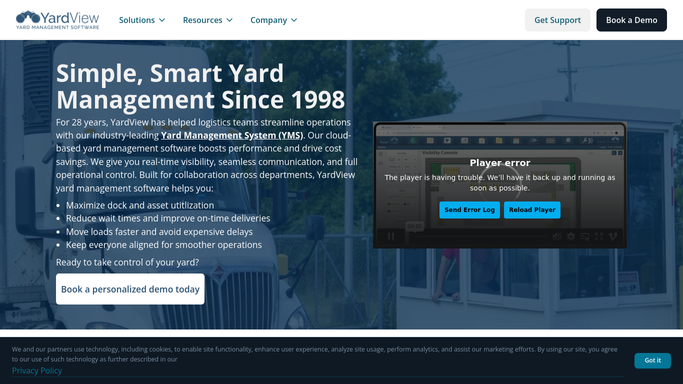
YardView - review open cargo claims and incident records
yardview.com How to Automate YardView

WebRun opens YardView to review open cargo claims and incident records. - Open YardView and navigate to the cargo claims or incident report section
- Pull all open claims, noting the claim number, carrier, date opened, damage type, and last carrier response date
- Flag any claim where the carrier has not provided an update in more than seven days
Done when All open cargo claims are listed with age, carrier, damage type, and overdue status.
-
2
Slack - post weekly claims status digest
slack.com How to Automate Slack
WebRun opens Slack to post weekly claims status digest. - Post a weekly digest to the claims Slack channel with all open claims sorted by age
- Highlight claims that are overdue for a carrier response at the top of the digest
- Include a count of new claims opened this week versus prior week for trend context
Done when The claims channel has an up-to-date weekly digest with all open claims and urgency flags.
-
3
Gmail - draft carrier status-request for overdue claims
gmail.com How to Automate Gmail
WebRun opens Gmail to draft carrier status-request for overdue claims. - Draft a status-request email to each carrier with an overdue claim
- Include the claim number, incident date, damage type, and the number of days since their last response
- Leave each draft unsent in Gmail Drafts for your claims team to review before sending
Done when A status-request draft is prepared in Gmail for every carrier with a claim overdue for a response.


How do I automatically track and follow up on open cargo claims from yard incidents?
Every Monday, WebRun reviews open cargo claims in YardView, posts a status digest to your Slack claims channel sorted by age and urgency, and drafts a status-request email in Gmail for every carrier that has not responded in seven or more days. Your claims team reviews the drafts before any carrier is contacted.
- Claims team has a Monday morning Slack digest of every open claim sorted by age
- No carrier claim sits unresponded for more than seven days without a drafted follow-up
- Claim value is visible in the digest so finance can track exposure without a separate report
Built for claims managers · logistics operations teams · yard supervisors · 3PL claims coordinators
How is each run configured?
Secure by default
Connect once, stays signed in
WebRun signs in once and keeps each session in a persistent environment, so every run picks up right where it left off.
Every action is checked against this policy before it runs.
Questions, answered
Will it send status-request emails to carriers automatically?
No. Every status-request email is drafted in Gmail and left unsent until your claims team reviews and approves it. No carrier receives an email without human sign-off.
Does it close claims automatically when a carrier responds?
No. WebRun updates the overdue flag based on the last response date in YardView, but claim closure is a human decision. Your claims team uses the digest as a prompt to close or escalate each resolved claim.
Can it track monetary value of open claims for finance reporting?
Yes. If YardView records a claim value, WebRun includes the amount in both the Slack digest and the Gmail draft so your finance team has visibility without a separate lookup.
Related templates
Put this on autopilot.
Turn it on in minutes - or have our team set it up for you.