Automated Wire Conversation Handoff
Every hour, WebRun opens Wire, scans team conversations for messages that mention a teammate or clearly need action, saves any files shared alongside those messages into Google Drive, and posts a Slack summary tagging the right owner, so nothing important stays buried in a Wire thread.
How do I make sure important Wire messages reach the right person?
WebRun scans your Wire team conversations every hour for messages that mention a teammate or clearly need a decision. It saves any shared files to Google Drive, then posts a Slack summary tagging the right owner, so nothing important gets buried in a Wire thread waiting for someone to scroll back to it.
- Flagged Wire conversations get a tagged owner within the hour
- Shared files are backed up without manual saving
- Nothing important stays buried in a Wire thread
Built for Security-conscious teams · IT and operations · distributed teams · enterprise organizations
What does WebRun do on every run?
The exact actions WebRun takes, in order - in plain language, so you can adjust anything.
-
WebRun signs in and gets to work
Opens
app.wire.comin a real browser with your saved login - no setup, no API keys. -
1
Wire - scan for flagged conversations
wire.com
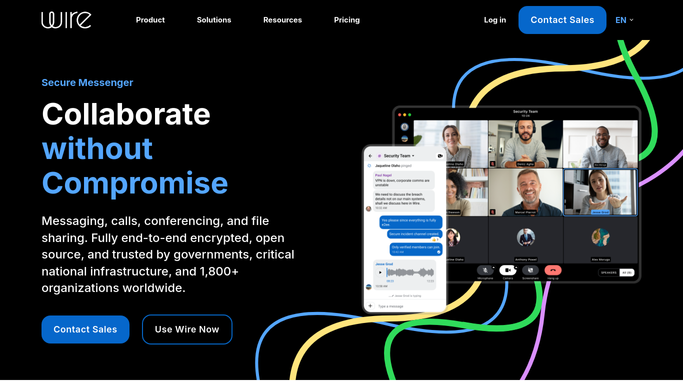
WebRun opens Wire to scan for flagged conversations. - Open Wire and review conversations across your team channels
- Find messages that mention a teammate or need a decision
- Capture the message and who it concerns
Done when Every flagged conversation this hour is captured.
-
2
Google Drive - save shared files
drive.google.com

WebRun opens Google Drive to save shared files. - Open any files shared alongside a flagged message
- Save a copy into a dated Google Drive folder
- Skip messages with no attachment
Done when Every flagged conversation's files are backed up to Drive.
-
3
Slack - tag the right owner
slack.com

WebRun opens Slack to tag the right owner. - Post a summary of each flagged conversation to Slack
- Tag the teammate it concerns
- Leave the reply in Wire to that teammate
Done when Every flagged conversation has a tagged owner in Slack.
How is each run configured?
Secure by default
Connect once, stays signed in
WebRun signs in once and keeps each session in a persistent environment, so every run picks up right where it left off.
Every action is checked against this policy before it runs.
Questions, answered
Does WebRun reply inside Wire?
No. It only finds conversations that need attention and tags the right person in Slack. Replying inside Wire stays with that teammate.
How does it decide who owns a conversation?
It reads who's mentioned or clearly responsible in the message itself, and tags that person directly in the Slack summary.
What happens to files shared in a flagged conversation?
WebRun saves a copy to Google Drive so it's backed up and easy to find, without touching the original Wire conversation.
Related templates
Put this on autopilot.
Turn it on in minutes - or have our team set it up for you.