Draft cabana and locker upsells for ticket buyers
Every morning, WebRun opens Parker, finds guests with tickets booked in the next few days who have not added a cabana or locker, checks live cabana and locker availability, builds a pre-visit upsell campaign in Mailchimp offering both, and posts the revenue team a Telegram summary, leaving the campaign in draft for a human to review and send.
- No credit card
- Under $0.01 per run
- Cancel anytime
What does WebRun do on every run?
The exact actions WebRun takes, in order - in plain language, so you can adjust anything.
-
WebRun signs in and gets to work
Opens
parkerticketing.comin a real browser with your saved login - no setup, no API keys. -
1
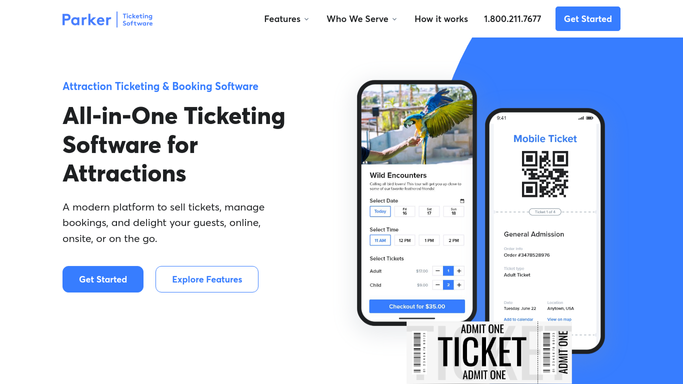
Parker - find buyers with no add-ons
parkerticketing.com How to Automate Parker

WebRun finds the ticket buyers with no add-ons in Parker. - Open Parker and list guests with tickets booked in the next few days
- Filter to those who have not added a cabana or a locker
- Check live cabana and locker availability for each of their visit dates
- Capture the guest name, email, visit date, and party size
Done when Every upcoming ticket buyer with no add-on is listed with available upsells.
-
2
Mailchimp - build the upsell campaign
mailchimp.com How to Automate Mailchimp
WebRun builds the upsell campaign in Mailchimp. - Open Mailchimp and build a pre-visit upsell campaign for those buyers
- Segment by visit date so each guest sees availability for their day
- Personalise each email with the visit date and the cabana or locker offer
- Save the campaign as a draft and do not schedule or send it
Done when A segmented upsell campaign is drafted in Mailchimp, unsent, ready for review.
-
3
Telegram - post the revenue team a summary
telegram.org How to Automate Telegram
WebRun posts the revenue team an upsell summary in Telegram. - Post the revenue channel a summary of how many buyers are being offered upsells
- Break it down by visit date and by cabana versus locker availability
- Flag dates where cabanas are nearly sold out so the team can prioritise
Done when The revenue team has today's upsell summary in Telegram.


How do I automatically draft cabana and locker upsells for ticket buyers?
Every morning, WebRun finds upcoming ticket buyers in Parker who have no cabana or locker, checks live availability, and builds a pre-visit upsell campaign in Mailchimp offering both for their visit date, then posts the revenue team a Telegram summary. The campaign stays in draft for a human to review and send, so no guest is emailed automatically.
- Upcoming visitors are offered the add-ons still available for their date
- Sold-out cabanas and lockers are never pitched, protecting guest trust
- No guest is emailed without a human approving the campaign first
Built for water park operators · revenue teams · marketing teams · guest services
How is each run configured?
Secure by default
Connect once, stays signed in
WebRun signs in once and keeps each session in a persistent environment, so every run picks up right where it left off.
Every action is checked against this policy before it runs.
Questions, answered
Will it send the upsell emails without me?
No. WebRun builds and saves the campaign in Mailchimp as a draft and never schedules or sends it. You review the copy, the segments, and the offers, then send it yourself, so nothing reaches guests without approval.
Does it only offer cabanas and lockers that are actually available?
Yes. It checks live cabana and locker availability in Parker for each guest's visit date and only includes an offer where inventory remains, so guests are never pitched something that is already sold out.
Does it skip guests who already have an add-on?
Yes. It reads each order in Parker and excludes anyone who has already booked a cabana or a locker, so only guests without an add-on receive the upsell.
Related templates
Put this on autopilot.
Turn it on in minutes - or have our team set it up for you.