Run your daily warehouse exceptions report
Every morning, WebRun opens ShipStation, finds orders that are on hold, past their ship-by date, or missing required information, logs them to an exceptions sheet, and posts a prioritised report to Slack before your team's daily stand-up.
- No credit card
- Under $0.01 per run
- Cancel anytime
What does WebRun do on every run?
The exact actions WebRun takes, in order - in plain language, so you can adjust anything.
-
WebRun signs in and gets to work
Opens
ship.shipstation.comin a real browser with your saved login - no setup, no API keys. -
1
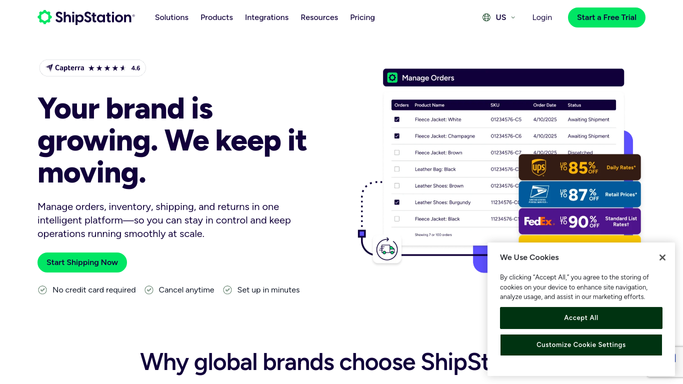
ShipStation - find stuck and problem orders
shipstation.com How to Automate ShipStation

WebRun opens ShipStation to find stuck and problem orders. - Open ShipStation and filter to On Hold, Awaiting Payment, and Awaiting Shipment orders
- Flag any Awaiting Shipment order where the ship-by date has already passed
- Identify orders missing a valid address, phone number, or product that is out of stock
- Capture order number, customer, exception type, and days waiting for each
Done when All exception orders are identified with their type and age.
-
2
Google Sheets - log exceptions with priority
google.com How to Automate Google Sheets
WebRun opens Google Sheets to log exceptions with priority. - Open the Daily Exceptions sheet and add a new dated section
- Log each exception order with its type, age, and what action is needed
- Sort by urgency: past ship-by first, then longest wait time
Done when All exceptions are logged in the sheet, sorted by urgency.
-
3
Slack - deliver the stand-up report
slack.com How to Automate Slack
WebRun opens Slack to deliver the stand-up report. - Post the top 10 exceptions to #warehouse with a one-line summary per order
- Include the total count of exceptions so your team knows the full scope
Done when Your team has a prioritised exceptions list before stand-up.

How can I automatically run a daily warehouse exceptions report before my team's stand-up?
Every morning, WebRun opens ShipStation, finds orders on hold, past their ship-by date, or missing required information, logs them to an exceptions Google Sheet, and posts a prioritised report to Slack before your team's daily stand-up - so nothing ships late without visibility.
- Problem orders surfaced before the daily stand-up every morning
- Exceptions logged to Google Sheets for ongoing tracking
- Late shipments prevented by early daily visibility
Built for warehouse managers · logistics operations teams · ecommerce fulfillment teams · supply chain coordinators
How is each run configured?
Secure by default
Connect once, stays signed in
WebRun signs in once and keeps each session in a persistent environment, so every run picks up right where it left off.
Every action is checked against this policy before it runs.
Questions, answered
Does it resolve the exceptions or just report them?
It reports only - every resolution (cancelling an order, contacting a customer, updating an address) is a human decision. WebRun hands you the list; you work it.
Can I adjust which exception types it looks for?
Yes. You can add or remove exception categories - for example, add orders flagged for fraud review or remove a hold type you no longer use.
What if there are no exceptions today?
It posts a short "all clear" message so you know the run completed and everything is on track - silence is not an option.
Related templates
Put this on autopilot.
Turn it on in minutes - or have our team set it up for you.