Draft proactive delay notices for your customers
Every morning, WebRun opens ShipStation, finds shipments that are behind their estimated delivery date, drafts a clear delay notice email for each customer, saves each one as a Gmail draft, and sends you a Slack summary to review and approve before any email is sent.
- No credit card
- Under $0.01 per run
- Cancel anytime
What does WebRun do on every run?
The exact actions WebRun takes, in order - in plain language, so you can adjust anything.
-
WebRun signs in and gets to work
Opens
ship.shipstation.comin a real browser with your saved login - no setup, no API keys. -
1
ShipStation - find late shipments
shipstation.com How to Automate ShipStation

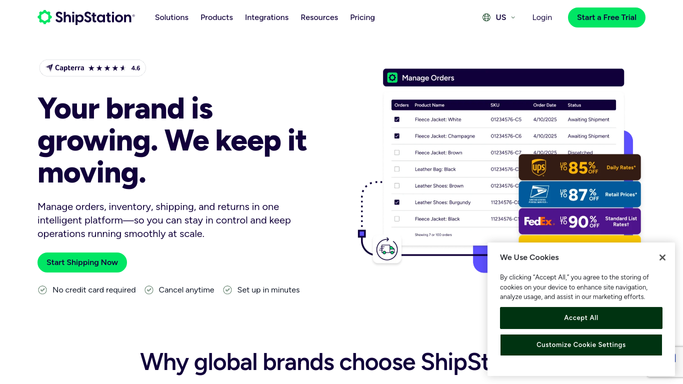
WebRun opens ShipStation to find late shipments. - Open ShipStation and filter to orders where the estimated delivery date has passed and status is not Delivered
- For each late order, capture the customer name, email address, order contents, original EDD, and current tracking status
- Note any new estimated delivery date shown by the carrier
Done when Every past-EDD shipment is captured with customer contact details and current status.
-
2
Gmail - draft delay notice per customer
gmail.com How to Automate Gmail
WebRun opens Gmail to draft delay notice per customer. - Compose a polite, on-brand delay notice for each customer, naming the specific item and revised delivery estimate
- Save every message as a Gmail draft - do not send anything yet
- Add a subject line like "Update on your order #[ORDER]"
Done when A draft delay notice exists in Gmail for every affected customer.
-
3
Slack - queue for your approval
slack.com How to Automate Slack
WebRun opens Slack to queue for your approval. - Post a list of the drafted notices to your #logistics channel, one line per customer
- Include a link to the Gmail Drafts folder so you can review and send with one click
Done when You have been notified and can approve or edit the drafts before any email is sent.


How can I automatically draft proactive delay notices for customers when shipments fall behind?
Every morning, WebRun opens ShipStation, finds shipments behind their estimated delivery date, drafts a clear delay notice email for each affected customer, saves each one as a Gmail draft, and sends you a Slack summary to review and approve - so customers are informed before they chase you.
- Delay notices drafted for every affected customer each morning
- Every email held for approval - nothing sent automatically
- Customer satisfaction protected through proactive communication
Built for ecommerce businesses · logistics managers · customer service teams · online retailers
How is each run configured?
Secure by default
Connect once, stays signed in
WebRun signs in once and keeps each session in a persistent environment, so every run picks up right where it left off.
Every action is checked against this policy before it runs.
Questions, answered
Will it send emails to customers automatically?
Never. Every delay notice is saved as a Gmail draft and listed in Slack for you to review. Nothing goes to customers until you hit Send yourself.
What if the delay resolves overnight before I check?
Each morning the run only drafts for orders still showing past-EDD. If a package was delivered overnight, it is already excluded - you can delete that draft safely.
Can I change the tone of the notices?
Yes - give WebRun a tone guide or paste a sample and it will match your brand voice exactly, including any compensation or discount language you want to include.
Related templates
Put this on autopilot.
Turn it on in minutes - or have our team set it up for you.