Get a weekly scorecard of where coding time actually went
Every Monday, WebRun opens WakaTime, reviews the past week's coding activity by project and language, posts a scorecard to Telegram, and sends the team lead a short text with the total hours logged, so coding time is visible without anyone pulling a report.
- No credit card
- Under $0.01 per run
- Cancel anytime
How do I get a weekly summary of my team's WakaTime coding hours?
WebRun reviews your team's WakaTime activity every Monday, breaking down the past week's coding hours by project and language, and posts a scorecard to the team's Telegram group. It also sends the team lead a one-line text with the week's total hours, so coding time is visible without anyone pulling the report by hand.
- Coding time by project is visible every Monday without pulling a report
- The team lead gets a one-line total by text
- Language and project trends show up automatically week over week
Built for Engineering managers · development team leads · freelance developers · consultancies billing by project
What does WebRun do on every run?
The exact actions WebRun takes, in order - in plain language, so you can adjust anything.
-
WebRun signs in and gets to work
Opens
wakatime.com/loginin a real browser with your saved login - no setup, no API keys. -
1
WakaTime - review coding activity
wakatime.com
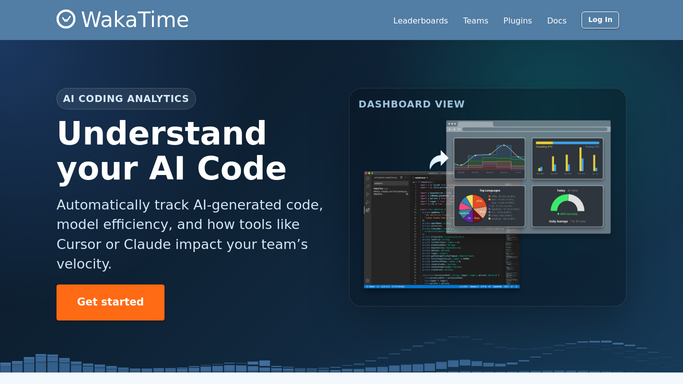
WebRun opens WakaTime to review coding activity. - Open WakaTime and review the past week's coding activity
- Break down hours by project and by language
- Note the total hours logged across the whole team
Done when The past week's coding hours are broken down by project and language.
-
2
Telegram - post the weekly scorecard
telegram.org How to Automate Telegram

WebRun opens Telegram to post the weekly scorecard. - Post the weekly scorecard to the team Telegram group
- List hours by project and the top three languages used
- Include the team-wide total for the week
Done when The team has this week's coding time scorecard in Telegram.
-
3
Twilio - text the team lead a summary
twilio.com How to Automate Twilio

WebRun opens Twilio to text the team lead a summary. - Send the team lead a text with this week's total coding hours
- Keep it to one line with the week-over-week change if available
Done when The team lead has received a one-line text with the week's total.
How is each run configured?
Secure by default
Connect once, stays signed in
WebRun signs in once and keeps each session in a persistent environment, so every run picks up right where it left off.
Every action is checked against this policy before it runs.
Questions, answered
Does this track individual developers for performance review?
It reports team and project totals from WakaTime's own stats. Whether you break it down by individual is your call to configure, WebRun does not add any judgment of its own.
Does the text message go to the whole team?
No. Only the team lead receives the text summary. The fuller scorecard goes to the team Telegram group instead.
Where do the coding hours come from?
Directly from WakaTime's own tracked activity for the connected projects, so the numbers match what you would see in the WakaTime dashboard.
Related templates
Put this on autopilot.
Turn it on in minutes - or have our team set it up for you.