Automated Userlist Churn Risk Alerts
Every morning, WebRun opens Userlist, checks which users match your at-risk segment based on tracked events and attributes, such as no product activity after a strong start, logs each one to Airtable with their last known activity, and emails the customer success owner an internal alert.
How do I catch a going-quiet customer in Userlist before they churn?
WebRun checks your Userlist at-risk segment every morning for users who match, such as no product activity after a strong start, logs each one to Airtable with their last activity, and emails the customer success owner an internal alert. Going-quiet customers get a same-day flag instead of being noticed only after they cancel.
- A going-quiet customer gets flagged the same morning, not after they cancel
- Customer success works from a logged list instead of checking Userlist manually
- Re-engaged customers drop off the alert automatically
Built for SaaS companies · customer success teams · product-led growth · B2B software teams
What does WebRun do on every run?
The exact actions WebRun takes, in order - in plain language, so you can adjust anything.
-
WebRun signs in and gets to work
Opens
app.userlist.comin a real browser with your saved login - no setup, no API keys. -
1
Userlist - check the at-risk user segment
userlist.com
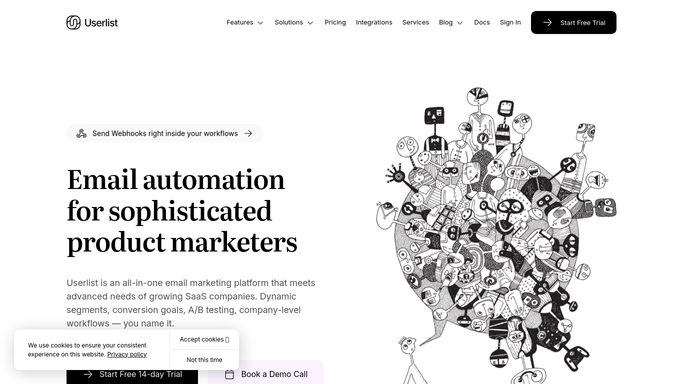
WebRun opens Userlist to check the at-risk user segment. - Open Userlist and check who currently matches your at-risk segment
- Capture each user's plan, last tracked event, and days since last activity
- Note anyone new to the segment since yesterday's check
Done when Every user currently in the at-risk segment has been captured.
-
2
Airtable - log each at-risk user
airtable.com

WebRun opens Airtable to log each at-risk user. - Log each at-risk user with their plan and last activity date
- Tag anyone newly added to the segment today
- Mark a user resolved automatically once they drop out of the segment
Done when Every current at-risk user has a logged row in Airtable.
-
3
Gmail - email an internal alert
gmail.com

WebRun opens Gmail to email an internal alert. - Email the customer success owner an internal alert listing today's new at-risk users
- Include their plan and last activity date
- Send nothing at all on a day with no new at-risk users
Done when The customer success owner has today's at-risk alert whenever someone new qualifies.
How is each run configured?
Secure by default
Connect once, stays signed in
WebRun signs in once and keeps each session in a persistent environment, so every run picks up right where it left off.
Every action is checked against this policy before it runs.
Questions, answered
Does it email the at-risk customer directly?
No. The Gmail step is an internal alert sent only to the customer success owner. WebRun never emails the customer or triggers a Userlist message on its own.
How is the at-risk segment defined?
By whatever event and attribute rules you already have set up in Userlist, such as inactivity after signup. WebRun reads the live segment rather than defining its own criteria.
What happens once a customer becomes active again?
They drop out of the segment on the next check, so a re-engaged customer is not flagged again.
Related templates
Put this on autopilot.
Turn it on in minutes - or have our team set it up for you.