Get a daily Fathom Analytics traffic digest
Every morning, WebRun opens Fathom Analytics, checks yesterday's visits, top pages, and referrers against your trailing 7-day average, posts the digest to Telegram, and texts you through Twilio when visits are unusually high or low.
- No credit card
- Under $0.01 per run
- Cancel anytime
How do I get a daily traffic digest from Fathom Analytics?
WebRun checks Fathom Analytics every morning for yesterday's visits, top pages, and referrers, comparing the total against your trailing 7-day average. It posts a Telegram digest with the day's traffic breakdown, and texts you through Twilio when visits are more than double or less than half normal, so a real spike or drop gets noticed fast.
- Traffic spikes and drops get caught the same morning
- The team gets top pages and referrers without opening Fathom
- Only real anomalies trigger a text, not routine daily variation
Built for website owners · marketing teams · content teams · startup founders
What does WebRun do on every run?
The exact actions WebRun takes, in order - in plain language, so you can adjust anything.
-
WebRun signs in and gets to work
Opens
app.usefathom.comin a real browser with your saved login - no setup, no API keys. -
1
Fathom Analytics - check visits and top pages
usefathom.com
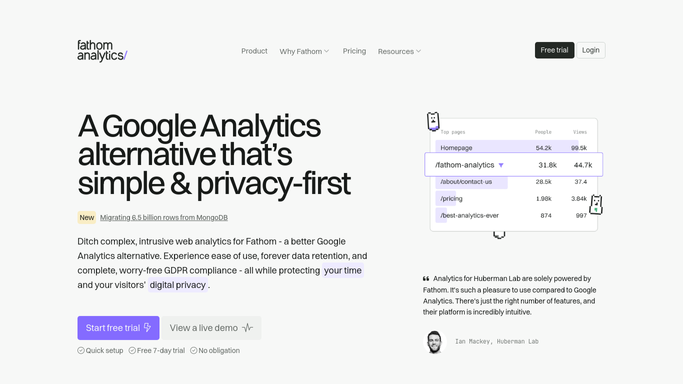
WebRun opens Fathom Analytics to check visits and top pages. - Open Fathom Analytics and pull yesterday's visits, top pages, and top referrers
- Compare total visits to your trailing 7-day average
- Note any traffic source with a sharp change
Done when Yesterday's traffic has been pulled and compared to baseline.
-
2
Telegram - post the digest
telegram.org How to Automate Telegram

WebRun posts to Telegram to share the digest. - Post the traffic digest with top pages and referrers to your group
- Note the day-over-day change
Done when This morning's traffic digest is posted to Telegram.
-
3
Twilio - text on a spike
twilio.com How to Automate Twilio

WebRun uses Twilio to text on a spike. - Send a text if visits are more than double or less than half the trailing average
- Name the total visits and the likely source of the change
Done when A text has gone out for every unusual spike or drop.
How is each run configured?
Secure by default
Connect once, stays signed in
WebRun signs in once and keeps each session in a persistent environment, so every run picks up right where it left off.
Every action is checked against this policy before it runs.
Questions, answered
Will it change anything on the site based on traffic patterns?
No. WebRun only reports the traffic it finds. Acting on a spike or a drop, like checking a marketing campaign, is left to you.
How big does a change have to be for a text?
Visits have to be more than double or less than half your trailing 7-day average before it triggers a Twilio text, so ordinary day-to-day variation stays in the regular digest.
Does it track individual visitors?
No. It reads the same aggregate, privacy-first metrics Fathom itself reports, visits, pages, and referrers, without any personal visitor data.
Related templates
Put this on autopilot.
Turn it on in minutes - or have our team set it up for you.