Schedule urodynamics tests the moment referrals arrive
Throughout the day, WebRun opens NextGen Healthcare to find new urodynamics referral orders, checks open testing slots and protocol requirements in Laborie Synergy, books the test, and drafts a prep reminder text in Twilio for staff to review before it reaches the patient.
- No credit card
- Under $0.01 per run
- Cancel anytime
What does WebRun do on every run?
The exact actions WebRun takes, in order - in plain language, so you can adjust anything.
-
WebRun signs in and gets to work
Opens
www.nextgen.comin a real browser with your saved login - no setup, no API keys. -
1
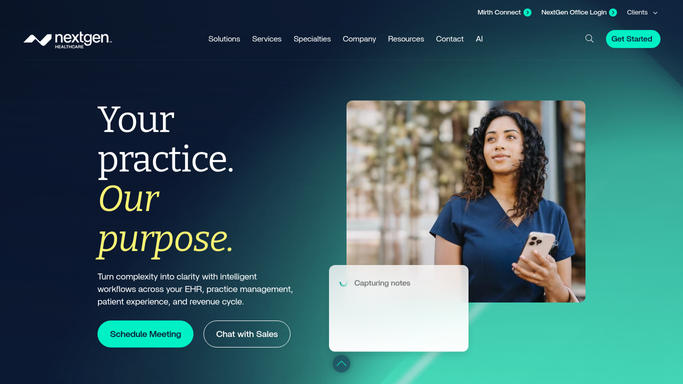
NextGen Healthcare - find new urodynamics referral orders
nextgen.com

WebRun opens NextGen Healthcare to find new urodynamics referral orders. - Open NextGen Healthcare and scan for new orders tagged urodynamics or UDS
- Capture the patient, referring provider, and the clinical reason for testing
- Skip any order already booked on a previous run
Done when Every new urodynamics referral order is captured with its reason for testing.
-
2
Laborie - book the test and confirm protocol prep
laborie.com How to Automate Laborie
WebRun opens Laborie Synergy to book the test and confirm protocol prep. - Open Laborie Synergy and check the testing calendar for the next open slot
- Confirm which protocol the referral calls for, such as a filling and voiding study or a pressure flow study
- Book the slot and attach the pre test prep instructions, including which medications to hold
- Flag the chart if the patient has an active UTI on file, since that can postpone testing
Done when The patient has a booked slot in Laborie Synergy with the correct protocol and prep instructions attached.
-
3
Twilio - draft the patient prep reminder
twilio.com How to Automate Twilio
WebRun drafts the patient prep reminder in Twilio for staff review. - Draft a plain prep reminder text with the test date, time, and prep instructions
- Leave the message unsent in Twilio for front desk staff to review
- Never send the reminder to the patient directly. A staff member approves and sends it
Done when A reviewed, ready-to-send prep reminder is queued in Twilio for every newly booked test.


How do I automatically schedule urodynamics testing from new referrals?
WebRun checks NextGen Healthcare throughout the day for new urodynamics referral orders, books the right protocol and slot in Laborie Synergy, and attaches the prep instructions. It drafts a plain reminder text in Twilio for staff to review, so every referred patient gets a booked test and a ready reminder without anyone chasing the schedule.
- New referrals get a booked test slot the same day they arrive
- Every booking carries the correct protocol and prep instructions
- Patients never get a text before staff have reviewed it
Built for urogynecology clinics · FPMRS practices · urology practices · pelvic health front desk staff
How is each run configured?
Secure by default
Connect once, stays signed in
WebRun signs in once and keeps each session in a persistent environment, so every run picks up right where it left off.
Every action is checked against this policy before it runs.
Questions, answered
Will it text the patient about their test without staff review?
No. WebRun only drafts the prep reminder in Twilio and leaves it unsent. A staff member reviews the date, time, and prep instructions and sends it themselves, so no message reaches the patient unapproved.
How does it decide which testing protocol to book?
It reads the clinical reason for testing on the referral order in NextGen Healthcare and matches it to the protocol the referring provider requested in Laborie Synergy, such as a filling and voiding study or a pressure flow study.
What if the patient has an active UTI?
It checks the chart for an active urinary tract infection on file and flags the booking, since testing is usually postponed until the infection clears. A clinician makes the final call on rescheduling.
Related templates
Put this on autopilot.
Turn it on in minutes - or have our team set it up for you.