Get warned before you hit your Upstash plan limit
Every Monday, WebRun opens the Upstash console, reads each database's request and storage usage against its plan limit, books a capacity planning slot on Google Calendar when usage is approaching the cap, and posts the full usage summary to Microsoft Teams.
- No credit card
- Under $0.01 per run
- Cancel anytime
How do I get warned before hitting my Upstash plan limit?
WebRun checks every Upstash database's request and storage usage against its plan limit every Monday, books a capacity planning slot on Google Calendar when usage is approaching the cap, and posts the full summary to Microsoft Teams. Engineering teams catch a looming plan limit before an app starts throttling or failing requests.
- A looming plan limit is flagged before it throttles an app
- Capacity planning time is already booked before anyone has to ask
- Comfortable usage stays a quiet, routine report
Built for backend engineering teams · platform engineers · startup engineering teams
What does WebRun do on every run?
The exact actions WebRun takes, in order - in plain language, so you can adjust anything.
-
WebRun signs in and gets to work
Opens
console.upstash.comin a real browser with your saved login - no setup, no API keys. -
1
Upstash - check usage against plan limit
upstash.com
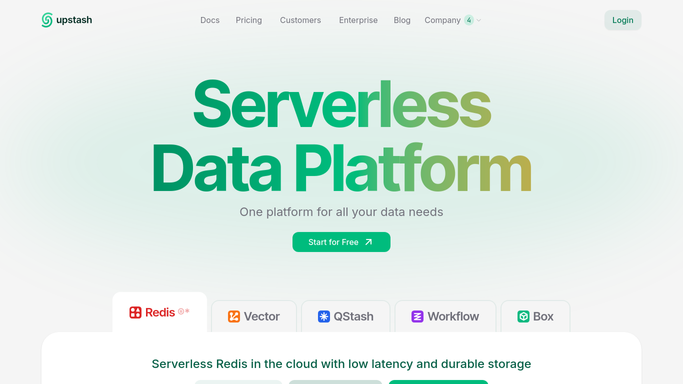
WebRun opens Upstash to check usage against plan limit. - Open the Upstash console and list every database
- Read each one's request count and storage usage for the billing period
- Compare against its plan limit
Done when Every database's usage against its plan limit is checked.
-
2
Google Calendar - book a capacity planning slot
calendar.google.com How to Automate Google Calendar

WebRun opens Google Calendar to book a capacity planning slot. - If any database is approaching its limit, open Google Calendar
- Find the next open working hours slot for the team
- Book a capacity planning slot naming the database
Done when An approaching limit has a booked planning slot.
-
3
Microsoft Teams - post the usage summary
microsoft.com How to Automate Microsoft Teams

WebRun opens Microsoft Teams to post the usage summary. - Open the engineering channel in Microsoft Teams
- Post each database's usage against its plan limit
- Include the planning slot time for anything close to the cap
Done when The team has this week's usage summary in Teams.
How is each run configured?
Secure by default
Connect once, stays signed in
WebRun signs in once and keeps each session in a persistent environment, so every run picks up right where it left off.
Every action is checked against this policy before it runs.
Questions, answered
Does WebRun upgrade the plan automatically?
No. It only reads usage against your current plan limit and books time to discuss it. Upgrading a plan stays a deliberate, billed decision you make.
What counts as approaching the limit?
Whatever percentage of plan usage you set as the warning line. Comfortable usage levels are just reported, not flagged.
Will it double book the calendar?
No. It checks for a genuinely open slot before booking, so the planning hold never overlaps an existing meeting.
Related templates
Put this on autopilot.
Turn it on in minutes - or have our team set it up for you.