See your shop's weekly revenue and performance in one report
Every Monday morning, WebRun opens Fullbay, collects all invoices and completed work orders from the prior week, calculates revenue by service type and top fleet accounts, logs the numbers to a Google Sheet for trending, and posts a concise performance summary to your management Slack channel.
- No credit card
- Under $0.01 per run
- Cancel anytime
What does WebRun do on every run?
The exact actions WebRun takes, in order - in plain language, so you can adjust anything.
-
WebRun signs in and gets to work
Opens
app.fullbay.comin a real browser with your saved login - no setup, no API keys. -
1
Fullbay - collect last week's invoices and work orders
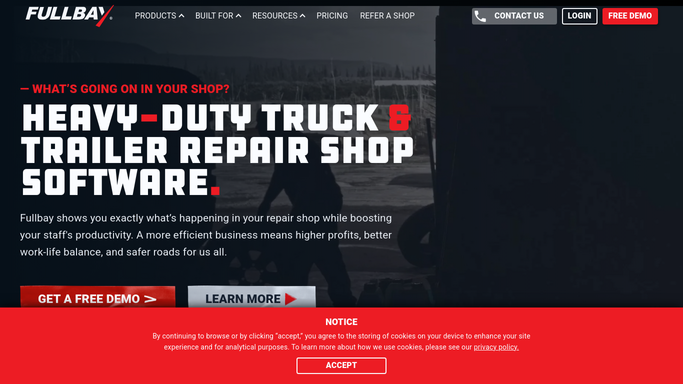
fullbay.com How to Automate Fullbay

WebRun opens Fullbay to collect last week's invoices and work orders. - Open Fullbay and navigate to the Invoices report filtered to the previous calendar week
- Collect total revenue, number of work orders completed, average repair value, and revenue broken down by service type
- Identify the top five fleet accounts by revenue for the week
Done when Last week's revenue totals and top accounts are captured from Fullbay.
-
2
Google Sheets - log revenue totals for trending
google.com How to Automate Google Sheets
WebRun opens Google Sheets to log revenue totals for trending. - Open the weekly revenue tracking spreadsheet
- Add a new row with the week ending date, total revenue, work order count, average ticket, and top fleet accounts
- Calculate the week-over-week change in total revenue for the summary
Done when Last week's numbers are logged to the Google Sheet and week-over-week change is calculated.
-
3
Slack - post weekly performance summary
slack.com How to Automate Slack
WebRun opens Slack to post weekly performance summary. - Post a concise weekly revenue summary to the management channel
- Include total revenue, work orders completed, average ticket value, and the week-over-week change
- List the top five fleet accounts by revenue for the week
Done when Management has the weekly revenue summary in Slack with all key metrics.


How do I automatically get a weekly revenue report from my truck repair shop?
WebRun opens Fullbay every Monday, collects the prior week's invoice and work order data, and calculates revenue by service type and top fleet account. It logs the numbers to a Google Sheet for trending and posts a concise performance summary to your management Slack channel, so you walk in knowing exactly how last week went before opening your inbox.
- Owners see last week's revenue, ticket count, and top accounts every Monday morning
- Week-over-week trends are tracked automatically in Google Sheets without manual data entry
- Management starts the week with the numbers they need before the first phone call
Built for truck repair shop owners · service managers · shop general managers · fleet repair operations
How is each run configured?
Secure by default
Connect once, stays signed in
WebRun signs in once and keeps each session in a persistent environment, so every run picks up right where it left off.
Every action is checked against this policy before it runs.
Questions, answered
Does anyone need to approve the report before it posts to Slack?
No. This is an internal management report with no customer-facing content, so WebRun posts it directly to your Slack management channel each Monday without requiring approval.
Where does the week-over-week comparison come from?
It reads the prior week's totals from your Google Sheet and calculates the change automatically. After the first run, every subsequent report includes the percentage change from the previous week.
Can it break revenue down by technician as well as service type?
Yes. You can configure the report to include a per-technician revenue breakdown from Fullbay's work order data, useful for tracking individual performance or calculating commission.
Related templates
Put this on autopilot.
Turn it on in minutes - or have our team set it up for you.