Automated Troop Messenger Announcement Sync
Every hour, WebRun checks Troop Messenger for new announcements in company groups, mirrors each one to Telegram for field staff without desktop access, and texts on-call staff through Twilio if an announcement is marked urgent.
How do I sync Troop Messenger announcements to field staff?
WebRun checks Troop Messenger every hour for new company announcements, mirrors each one to a Telegram group so field staff without desktop access still see it, and texts on-call staff through Twilio if an announcement is marked urgent. Nothing gets mirrored twice, and only genuinely urgent announcements trigger a text.
- Field staff see announcements without a desktop app
- Urgent announcements reach on-call staff within the hour
- No announcement gets mirrored more than once
Built for Field service companies · Distributed workforces · Operations teams · Government and enterprise teams
What does WebRun do on every run?
The exact actions WebRun takes, in order - in plain language, so you can adjust anything.
-
WebRun signs in and gets to work
Opens
www.troopmessenger.comin a real browser with your saved login - no setup, no API keys. -
1
Troop Messenger - check new announcements
troopmessenger.com
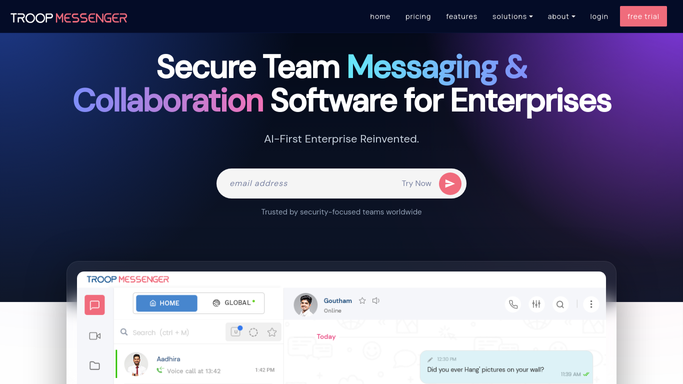
WebRun opens Troop Messenger to check new announcements. - Open Troop Messenger and check company announcement groups
- Note any new announcement since the last check
- Flag any marked urgent or high priority
Done when Every new announcement since the last run is captured.
-
2
Telegram - mirror to the field group
telegram.org

WebRun opens Telegram to mirror to the field group. - Open the field staff Telegram group
- Post each new announcement
- Skip anything already mirrored this run
Done when Every new announcement is mirrored to Telegram.
-
3
Twilio - text on-call staff for urgent ones
twilio.com

WebRun opens Twilio to text on-call staff for urgent ones. - Check for any announcement marked urgent
- Text on-call staff a short summary through Twilio
- Skip the text if nothing was marked urgent
Done when On-call staff has been texted about any urgent announcement.
How is each run configured?
Secure by default
Connect once, stays signed in
WebRun signs in once and keeps each session in a persistent environment, so every run picks up right where it left off.
Every action is checked against this policy before it runs.
Questions, answered
Do field staff need a Troop Messenger account to see announcements?
No. WebRun mirrors every announcement to a Telegram group, so field staff without desktop access still see them.
Who gets texted for urgent announcements?
Only your own on-call staff, and only when an announcement is actually marked urgent or high priority.
Will an announcement get mirrored twice?
No. WebRun skips anything already mirrored in an earlier run, so Telegram only sees each announcement once.
Related templates
Put this on autopilot.
Turn it on in minutes - or have our team set it up for you.