Keep training clients booked and accountable
Every morning, WebRun opens Trainerize, finds all sessions scheduled for the next 24 to 48 hours, drafts a personalised reminder for each client with the session time and any prep notes, and queues the messages in Twilio or Gmail for your review before they go out.
- No credit card
- Under $0.01 per run
- Cancel anytime
What does WebRun do on every run?
The exact actions WebRun takes, in order - in plain language, so you can adjust anything.
-
WebRun signs in and gets to work
Opens
app.trainerize.comin a real browser with your saved login - no setup, no API keys. -
1
Trainerize - pull upcoming sessions
trainerize.com How to Automate Trainerize

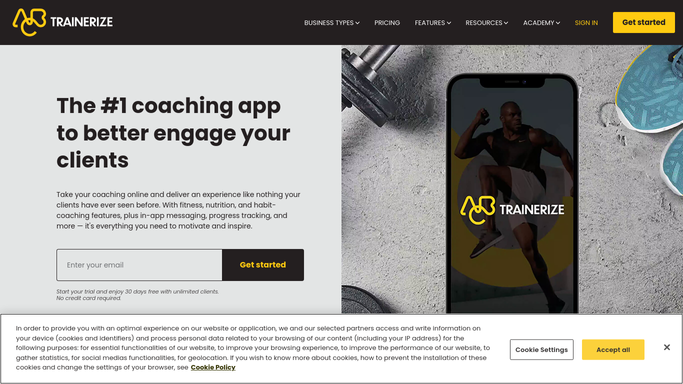
WebRun opens Trainerize to pull upcoming sessions. - Open Trainerize and navigate to the upcoming sessions calendar
- Collect each session scheduled in the next 24 to 48 hours
- Note the client name, session time, session type, and any trainer notes
Done when Every upcoming session is listed with its client and details.
-
2
Twilio - draft SMS reminders
twilio.com How to Automate Twilio
WebRun opens Twilio to draft SMS reminders. - Draft a short, friendly SMS reminder for each client with the session time and location
- Include any prep note the trainer added (e.g. bring resistance bands)
- Queue each message as a draft for the trainer to review before sending
Done when SMS reminder drafts are ready for each client session.
-
3
Gmail - draft email reminders for review
gmail.com How to Automate Gmail
WebRun opens Gmail to draft email reminders for review. - For clients who prefer email, draft a reminder in Gmail from the trainer's account
- Keep the tone warm and include the session link if it is a virtual session
- Leave every draft unsent for the trainer to approve and send
Done when Email reminder drafts are saved in Gmail, unsent, ready for review.


How do I automatically send session reminders to personal training clients?
WebRun opens Trainerize each morning, finds sessions in the next 48 hours, and drafts a personalised reminder for every client via Twilio SMS and Gmail. Every message is held for your approval before sending, so clients arrive prepared and no reminders go out without your sign-off.
- Clients show up prepared with session time and prep notes in hand
- No-show rates drop because every client gets a timely reminder
- Trainers save time drafting individual messages before each session
Built for personal trainers · online fitness coaches · gym owners · strength and conditioning coaches
How is each run configured?
Secure by default
Connect once, stays signed in
WebRun signs in once and keeps each session in a persistent environment, so every run picks up right where it left off.
Every action is checked against this policy before it runs.
Questions, answered
Will it send messages to clients without my approval?
No. WebRun drafts every reminder and leaves it unsent for your review. Nothing goes to a client until you approve and send it yourself.
Can I customise the reminder message for each client?
Yes. WebRun uses the notes you add in Trainerize, so each reminder reflects the client's session type and any specific prep instructions you have set.
What if a session is cancelled or rescheduled after the reminder is drafted?
WebRun reads the live Trainerize calendar each morning, so cancelled sessions are skipped. Review your drafts before sending to catch any same-day changes.
Related templates
Put this on autopilot.
Turn it on in minutes - or have our team set it up for you.