Win back clients who have gone quiet
Every Monday, WebRun opens Trainerize, finds clients who have not had a session in 30 or more days and have no upcoming bookings, logs them to a lapsed client sheet in Google Sheets, and drafts a warm, personalised winback email in Gmail for each one, held for your review before sending.
- No credit card
- Under $0.01 per run
- Cancel anytime
What does WebRun do on every run?
The exact actions WebRun takes, in order - in plain language, so you can adjust anything.
-
WebRun signs in and gets to work
Opens
app.trainerize.comin a real browser with your saved login - no setup, no API keys. -
1
Trainerize - find lapsed clients
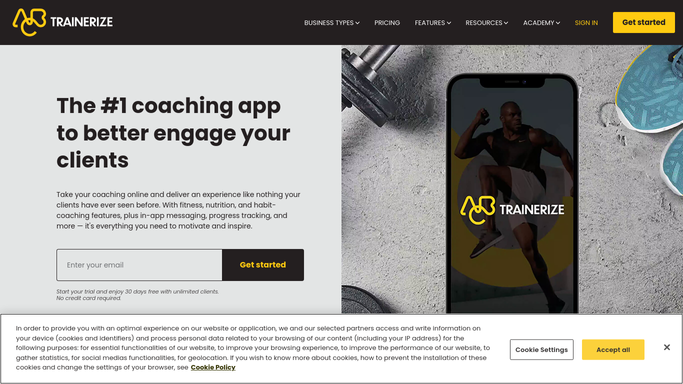
trainerize.com How to Automate Trainerize

WebRun opens Trainerize to find lapsed clients. - Open Trainerize and review the client list for last session date and upcoming bookings
- Identify clients with no session in the past 30 days and no future session booked
- Note each client's name, last session date, program history, and any trainer notes
Done when Every lapsed client is identified with their last activity date and program context.
-
2
Google Sheets - log lapsed client list
google.com How to Automate Google Sheets
WebRun opens Google Sheets to log lapsed client list. - Open the lapsed client tracker
- Add a row for each lapsed client with their name, last session date, days since last session, and outreach status
- Segment clients by how long they have been lapsed: 30 to 60 days, 60 to 90 days, and over 90 days
Done when The lapsed client list is updated with all inactive clients and their segments.
-
3
Gmail - draft winback messages for review
gmail.com How to Automate Gmail
WebRun opens Gmail to draft winback messages for review. - Draft a warm, personalised winback email for each client referencing their previous program and progress
- For clients lapsed 30 to 60 days, use a check-in tone asking how they are doing
- For clients lapsed over 60 days, offer a fresh-start conversation or a complimentary check-in session
- Save every draft unsent for the trainer to review before sending
Done when Winback email drafts are saved in Gmail, unsent, ready for trainer approval.


How do I automatically reach out to lapsed personal training clients?
WebRun opens Trainerize each Monday, finds every client with no session in the past 30 days and no upcoming booking, and logs them by inactivity length to a Google Sheet. It then drafts a personalised winback email in Gmail for each client, held for trainer review, so no lapsed client is contacted without approval.
- Lapsed clients are caught before they churn permanently
- Trainers have a segmented winback list every Monday without manual digging
- Personalised messages referencing real program history improve re-engagement rates
Built for personal trainers · online fitness coaches · gym owners · fitness studios
How is each run configured?
Secure by default
Connect once, stays signed in
WebRun signs in once and keeps each session in a persistent environment, so every run picks up right where it left off.
Every action is checked against this policy before it runs.
Questions, answered
Will it email lapsed clients without my approval?
No. Every winback email is saved as a Gmail draft and held for your review. No client receives any message until you approve and send it.
How does it decide who counts as lapsed?
By default it flags clients with no session in the past 30 days and no upcoming booking in Trainerize. You can adjust this threshold in the setup.
What if a lapsed client has already re-engaged or been contacted?
Mark them as contacted in the Google Sheet. WebRun checks the outreach status column before drafting, so clients you have already reached out to are skipped.
Related templates
Put this on autopilot.
Turn it on in minutes - or have our team set it up for you.