Follow up with clients who miss or cancel sessions
Every morning, WebRun opens Trainerize, identifies any no-shows or late cancellations from the past 24 hours, logs each event to a tracking sheet in Google Sheets, and drafts a warm follow-up message in Gmail for each affected client, held for your review before sending.
- No credit card
- Under $0.01 per run
- Cancel anytime
What does WebRun do on every run?
The exact actions WebRun takes, in order - in plain language, so you can adjust anything.
-
WebRun signs in and gets to work
Opens
app.trainerize.comin a real browser with your saved login - no setup, no API keys. -
1
Trainerize - identify no-shows and late cancels
trainerize.com How to Automate Trainerize

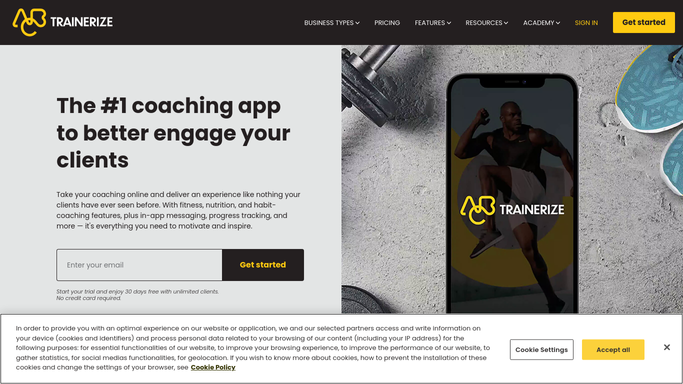
WebRun opens Trainerize to identify no-shows and late cancels. - Open Trainerize and review the previous day's session log
- Identify any sessions marked as no-show or cancelled within the late-cancel window
- Note the client name, session time, session type, and whether it was a no-show or late cancel
Done when Every missed or late-cancelled session from the past 24 hours is identified.
-
2
Google Sheets - log each missed session
google.com How to Automate Google Sheets
WebRun opens Google Sheets to log each missed session. - Open the no-show and cancellation tracker
- Append a row for each event with the client name, date, session type, and cancellation reason if provided
- Flag clients with two or more no-shows in the past 30 days for priority attention
Done when The tracker is updated with all recent no-shows and late cancellations.
-
3
Gmail - draft follow-up messages for review
gmail.com How to Automate Gmail
WebRun opens Gmail to draft follow-up messages for review. - Draft a short, warm follow-up for each affected client acknowledging the missed session
- For first-time no-shows, keep the tone caring and offer a rebooking link
- For repeat no-shows, draft a check-in asking if everything is okay
- Leave every draft unsent for the trainer to review and approve before sending
Done when Follow-up drafts are saved in Gmail, unsent, ready for trainer review.


How do I automatically follow up with personal training clients who no-show or cancel late?
WebRun checks Trainerize each morning for no-shows and late cancellations from the previous day, logs every event to a Google Sheet with the client name and session details, and drafts a caring follow-up in Gmail for each client. All messages are held for trainer approval before sending.
- Every missed session gets a same-day follow-up, keeping clients engaged
- Repeat no-shows are flagged before they become lapsed clients
- Trainers have a clean log of missed sessions without manual tracking
Built for personal trainers · online fitness coaches · gym owners · fitness studios
How is each run configured?
Secure by default
Connect once, stays signed in
WebRun signs in once and keeps each session in a persistent environment, so every run picks up right where it left off.
Every action is checked against this policy before it runs.
Questions, answered
Will it message clients who missed a session without my approval?
No. Every follow-up message is saved as a Gmail draft and held for your review. Nothing is sent to a client until you approve it.
How does it tell the difference between a no-show and a late cancellation?
WebRun reads the session status directly from Trainerize, which records whether a session was marked no-show or cancelled, and notes both in the tracking sheet.
What if the same client misses sessions repeatedly?
The Google Sheet flags clients with two or more no-shows in the past 30 days so you can see the pattern and adjust your follow-up tone accordingly.
Related templates
Put this on autopilot.
Turn it on in minutes - or have our team set it up for you.