Confirm proctor coverage before every practice test
Every Monday, WebRun opens Method Learning to count registered students for this week's practice test dates, pulls the assigned proctor's Zoom link for any remote administration, and drafts a confirmation email in Gmail naming the date, headcount, and room or link, for your team to review before sending.
- No credit card
- Under $0.01 per run
- Cancel anytime
What does WebRun do on every run?
The exact actions WebRun takes, in order - in plain language, so you can adjust anything.
-
WebRun signs in and gets to work
Opens
www.methodlearning.comin a real browser with your saved login - no setup, no API keys. -
1
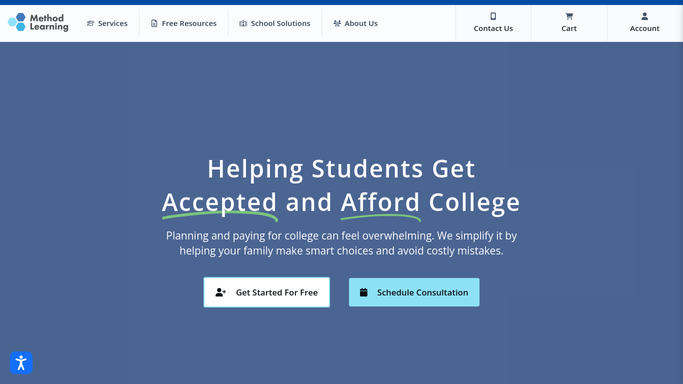
Method Learning - count registered students per date
methodlearning.com How to Automate Method Learning

WebRun opens Method Learning to count registered students per date. - Open Method Learning and count registered students for each upcoming practice test date
- Note which dates are in person and which are remote
Done when Every upcoming test date has a confirmed headcount.
-
2
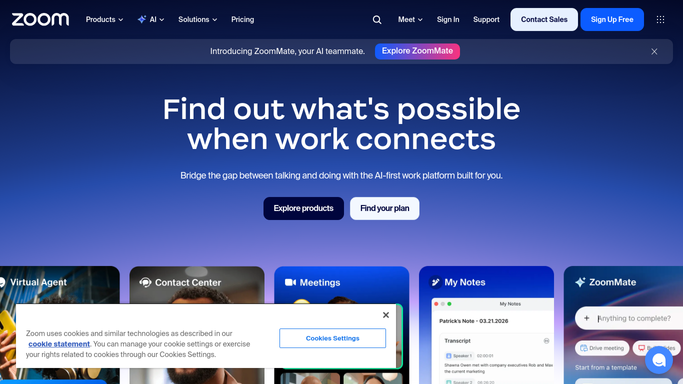
Zoom - pull the proctor's session link
zoom.us How to Automate Zoom
WebRun opens Zoom to pull the proctor's session link. - For remote dates, pull the assigned proctor's Zoom meeting link
- Confirm the link is active and not expired
Done when Every remote date has a working Zoom link on file.
-
3
Gmail - draft the confirmation email
gmail.com How to Automate Gmail
WebRun opens Gmail to draft the confirmation email. - Draft a confirmation email to each assigned proctor naming the date, headcount, and room or Zoom link
- Leave the email unsent for your team to review before sending
Done when A reviewable confirmation draft exists for every proctor on this week's schedule.

How do I confirm proctor schedules for upcoming practice tests?
Every Monday, WebRun counts registered students for each upcoming practice test date in Method Learning, pulls the assigned proctor's Zoom link for remote sessions, and drafts a Gmail confirmation naming the date, headcount, and room or link. Your team reviews and sends it, so every proctor has the details before test day without anyone chasing headcounts by hand.
- Proctors get a confirmed headcount and link before every test date
- In person and remote dates both get covered without a separate manual step
- Nothing emails a proctor until your team reviews the draft
Built for test prep centers · SAT/ACT tutoring companies · testing center coordinators · office managers
How is each run configured?
Secure by default
Connect once, stays signed in
WebRun signs in once and keeps each session in a persistent environment, so every run picks up right where it left off.
Every action is checked against this policy before it runs.
Questions, answered
Will it email proctors without anyone checking first?
No. WebRun only drafts the confirmation in Gmail. Your team reviews and sends each one before a proctor sees it.
How does it know the headcount for each date?
It counts the students registered for that practice test date directly in Method Learning, so the number reflects real registrations, not a guess.
What about in person test dates with no Zoom link?
It skips the Zoom step for in person dates and drafts the confirmation with the room instead.
Related templates
Put this on autopilot.
Turn it on in minutes - or have our team set it up for you.