Send parents a diagnostic score report after every test
Every time a student finishes a Method Learning diagnostic, WebRun reads the section by section scores, drafts a parent friendly report in Gmail for your front desk to review, and logs the result to your master score tracker in Google Sheets.
- No credit card
- Under $0.01 per run
- Cancel anytime
What does WebRun do on every run?
The exact actions WebRun takes, in order - in plain language, so you can adjust anything.
-
WebRun signs in and gets to work
Opens
www.methodlearning.comin a real browser with your saved login - no setup, no API keys. -
1
Method Learning - read the new diagnostic score
methodlearning.com How to Automate Method Learning

WebRun opens Method Learning to read the new diagnostic score. - Open Method Learning and check for newly completed diagnostics
- Pull the section by section breakdown for Reading, Writing, and Math
- Compare the composite score against the student's baseline, if one exists
Done when Every new diagnostic has its full score breakdown captured.
-
2
Gmail - draft the parent score report
gmail.com How to Automate Gmail
WebRun opens Gmail to draft the parent score report. - Draft a parent friendly summary of the composite score and section breakdown
- Note the strongest and weakest sections in plain language
- Leave the email as a draft in the front desk inbox for review before it sends
Done when A reviewable draft report sits in Gmail for every new diagnostic.
-
3
Google Sheets - log the score to the tracker
google.com How to Automate Google Sheets
WebRun opens Google Sheets to log the score to the tracker. - Append the student, date, and section scores to the master tracker
- Flag any composite score that dropped from the prior attempt
Done when The score tracker reflects every diagnostic taken today.
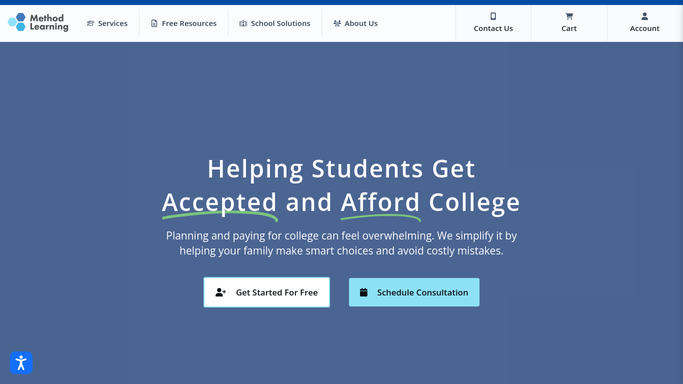


How do I automatically send parents a diagnostic score report?
WebRun watches Method Learning for newly completed diagnostics and reads each student's section by section score. It drafts a parent friendly report in Gmail for your front desk to review before sending, and logs the composite score to your Google Sheets tracker, so every family gets a timely report and every result stays on record.
- Parents get a score report within the hour of every diagnostic
- Every score lands in your tracker with no manual data entry
- Front desk reviews each report before it goes out, nothing sends unsupervised
Built for test prep centers · SAT/ACT tutoring companies · tutoring franchises · independent tutors
How is each run configured?
Secure by default
Connect once, stays signed in
WebRun signs in once and keeps each session in a persistent environment, so every run picks up right where it left off.
Every action is checked against this policy before it runs.
Questions, answered
Will it email parents without anyone checking first?
No. WebRun only drafts the score report in Gmail. It never sends automatically, your front desk reviews and sends each one.
What does the score report include?
The composite score, a section by section breakdown for Reading, Writing, and Math, and how the result compares to the student's last attempt, if there was one.
What if a student retakes the same diagnostic?
Each new attempt in Method Learning gets its own draft and tracker row, so you can see improvement across attempts side by side.
Related templates
Put this on autopilot.
Turn it on in minutes - or have our team set it up for you.