Automated Tealium Tag Sync Health Digest
Every morning, WebRun opens Tealium, checks every tag's load status and each AudienceStream sync, posts a health digest to Slack, and sends an extra Telegram ping if any tag or sync is actually failing.
How do I get a daily Tealium tag and audience sync health check?
WebRun checks every Tealium tag's load status and every AudienceStream sync each morning, posts a health digest to Slack, and escalates any actual failure to Telegram. Marketing operations teams catch a broken tag or a stalled audience sync before it silently cuts off data feeding campaigns and analytics downstream.
- A broken tag or sync is caught the same morning, not weeks later
- Healthy days stay a quick Slack scan, not a full investigation
- Only real failures reach Telegram, keeping escalation meaningful
Built for marketing operations teams · martech teams · data engineering teams
What does WebRun do on every run?
The exact actions WebRun takes, in order - in plain language, so you can adjust anything.
-
WebRun signs in and gets to work
Opens
my.tealiumiq.comin a real browser with your saved login - no setup, no API keys. -
1
Tealium - check tag and sync health
tealium.com
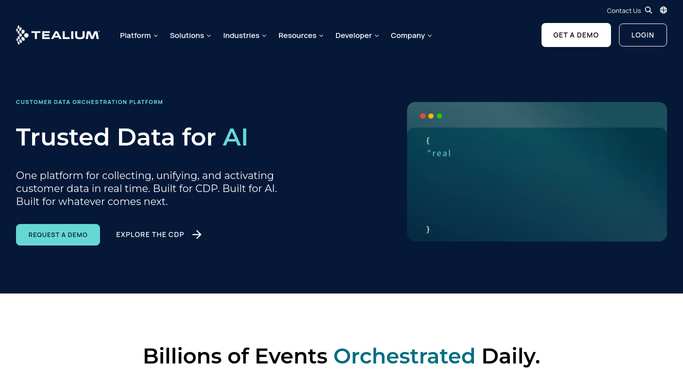
WebRun opens Tealium to check tag and sync health. - Open Tealium and check every tag's load status
- Check each AudienceStream connector's last sync
- Note anything failing or reporting an error
Done when Every tag and sync's status is checked for today.
-
2
Slack - post the health digest
slack.com

WebRun opens Slack to post the health digest. - Open the marketing ops channel in Slack
- Post the health status of every tag and sync
- List healthy ones briefly and failing ones with detail
Done when Today's digest is posted in Slack.
-
3
Telegram - escalate any failure
telegram.org

WebRun opens Telegram to escalate any failure. - If any tag or sync is failing, prepare a short escalation
- Send it to the on-call Telegram group
- Name the specific tag or connector affected
Done when Any failure has been escalated on Telegram.
How is each run configured?
Secure by default
Connect once, stays signed in
WebRun signs in once and keeps each session in a persistent environment, so every run picks up right where it left off.
Every action is checked against this policy before it runs.
Questions, answered
Does WebRun fix a broken tag or sync?
No. It only reads status from Tealium and reports it. Fixing a tag configuration or reconnecting a sync stays a manual step.
Will I get a Telegram ping every day?
No. Telegram is only used when a tag or sync is actually failing. Healthy days just get the Slack digest.
Does it see the actual customer data flowing through the tags?
No. It only reads load and sync status, not the visitor level data passing through Tealium.
Related templates
Put this on autopilot.
Turn it on in minutes - or have our team set it up for you.