Fill cancellations from your waitlist fast
Every few minutes, WebRun checks Booksy for new cancellations, finds the waitlist clients whose style preference and availability best match the open slot, drafts a text offer via Twilio for each candidate, and posts the draft offers to Slack for a quick approval before any message is sent.
- No credit card
- Under $0.01 per run
- Cancel anytime
What does WebRun do on every run?
The exact actions WebRun takes, in order - in plain language, so you can adjust anything.
-
WebRun signs in and gets to work
Opens
booksy.comin a real browser with your saved login - no setup, no API keys. -
1
Booksy - detect cancellations and match waitlist
booksy.com How to Automate Booksy

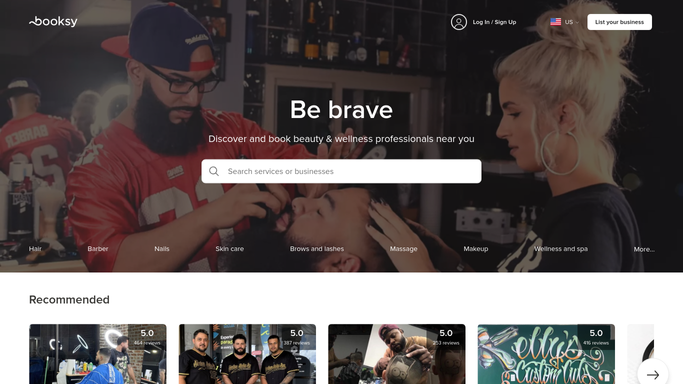
WebRun opens Booksy to detect cancellations and match waitlist. - Open Booksy and scan for appointments cancelled in the last check cycle
- For each cancellation, note the artist, date, time, and session length of the open slot
- Look up the studio's waitlist and identify clients whose style preference, artist preference, and availability match the open slot
- Rank the candidates by wait time and preference match
Done when Each cancellation is matched to a ranked shortlist of waitlist candidates.
-
2
Twilio - draft slot-offer texts
twilio.com How to Automate Twilio
WebRun opens Twilio to draft slot-offer texts. - Draft a short, friendly text for each top candidate naming the artist, the date, and the time of the open slot
- Include a direct booking link or a prompt to reply to claim the spot
- Stage all texts as drafts in Twilio and do not send until a staff member approves
Done when Draft slot-offer texts are staged in Twilio for each candidate, all held unsent pending approval.
-
3
Slack - alert team and queue for approval
slack.com How to Automate Slack
WebRun opens Slack to alert team and queue for approval. - Post an immediate Slack alert naming the cancelled slot, the artist, and the matched waitlist candidates
- Show a preview of each draft text and prompt a team member to approve the send
Done when The team has a Slack alert and draft-text previews within minutes of a cancellation appearing.


How do I automatically fill tattoo cancellations from a waitlist?
WebRun monitors Booksy every few minutes for cancellations, matches each open slot to the best-fit waitlist clients by style preference and availability, and drafts a text offer via Twilio for each candidate. The drafts land in Slack for immediate team approval so slots fill fast without sending unsolicited messages.
- Cancelled slots are matched to waitlist clients within minutes of the cancellation
- Draft offer texts are ready for approval before the slot goes cold
- No client is texted without a staff member reviewing the message first
Built for tattoo studios · tattoo artists · studio managers · busy body art shops
How is each run configured?
Secure by default
Connect once, stays signed in
WebRun signs in once and keeps each session in a persistent environment, so every run picks up right where it left off.
Every action is checked against this policy before it runs.
Questions, answered
Will it text waitlist clients automatically when a slot opens?
No. Draft texts are staged in Twilio and a preview is posted to Slack. A team member must approve before any message is sent to a client, keeping a human in the loop for every outbound contact.
How does it decide which waitlist client to offer the slot to first?
WebRun ranks candidates by how well their style preference and artist preference match the open slot, then by how long they have been waiting. The best match appears first in the Slack preview.
What if no one on the waitlist matches the cancelled slot?
WebRun posts a Slack alert noting the open slot with no matching candidates so the team can decide whether to open it for walk-ins or post it on social media to fill it another way.
Related templates
Put this on autopilot.
Turn it on in minutes - or have our team set it up for you.