Automated Swarm Venue Check-in Scorecard
Every Monday, WebRun opens Swarm, checks how many people checked into your venue over the past week, logs the totals and top visitors to Google Sheets, and emails you a recap so you know who your regulars are and whether the mayorship changed hands.
How do I track weekly Swarm check-ins at my venue?
WebRun checks Swarm every Monday for check-ins at your venue over the past week, logs the totals and top visitors to Google Sheets, and emails you a recap from your own Gmail account with any mayorship change called out. It never checks anyone in itself, since only a real visitor can do that.
- Weekly foot traffic is tracked without a manual count
- Regular visitors get recognized instead of blending into the crowd
- A mayorship change never goes unnoticed
Built for Bar and restaurant owners · retail venue managers · coffee shop owners · event venues
What does WebRun do on every run?
The exact actions WebRun takes, in order - in plain language, so you can adjust anything.
-
WebRun signs in and gets to work
Opens
www.swarmapp.comin a real browser with your saved login - no setup, no API keys. -
1
Swarm - check this week's check-ins at your venue
swarmapp.com
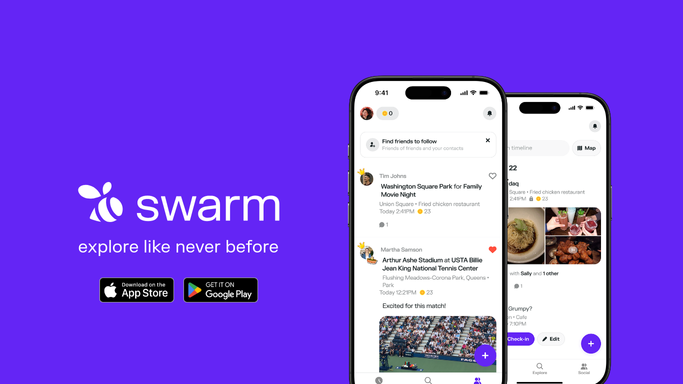
WebRun opens Swarm to check this week's check-ins at your venue. - Open your venue's page on Swarm
- Count check-ins from the past 7 days
- Note the current mayor and the most frequent visitors
Done when This week's check-in count and top visitors have been recorded.
-
2
Google Sheets - log the weekly totals
google.com

WebRun opens Google Sheets to log the weekly totals. - Open the venue check-in tracker sheet
- Add this week's totals as a new row
- Update the running list of top visitors
Done when This week's totals are logged alongside prior weeks.
-
3
Gmail - email you the recap
gmail.com

WebRun opens Gmail to email you the recap. - Draft a recap email summarizing this week's check-ins
- Send it to you from your own Gmail account
- Note if the mayorship changed hands
Done when You have this week's Swarm recap in your inbox.
How is each run configured?
Secure by default
Connect once, stays signed in
WebRun signs in once and keeps each session in a persistent environment, so every run picks up right where it left off.
Every action is checked against this policy before it runs.
Questions, answered
Does WebRun check people in or post anything on Swarm?
No. It only reads check-ins that have already happened. Checking in is something only an actual visitor can do.
Can I see who my most loyal visitors are?
Yes. Google Sheets keeps a running list of top visitors alongside weekly totals, so regulars are easy to spot.
Will I know if I lose the mayorship of my own venue?
Yes. The weekly recap calls out a mayorship change, so you know right away if a regular visitor has taken over the top spot.
Related templates
Put this on autopilot.
Turn it on in minutes - or have our team set it up for you.