Make sure every new Surge site has its domain set up right
Every Monday, WebRun opens Surge, reviews projects published in the past week, checks whether each has a custom domain and HTTPS configured instead of the default surge.sh address, logs the status to Airtable, and posts a Notion setup note for any project still on the default domain.
- No credit card
- Under $0.01 per run
- Cancel anytime
How do I make sure new Surge sites get a proper custom domain set up?
WebRun reviews Surge projects published each week, checking whether each has a custom domain and HTTPS configured instead of the default address, and logs the status to Airtable. It then posts a Notion note for any project still on the default domain, so a new site does not stay on a placeholder address longer than intended.
- New sites get checked for proper domain setup within a week of publishing
- Nothing stays on a placeholder address by accident
- Project owners get a clear note instead of a forgotten to-do
Built for Frontend developers · small agencies · static site teams · freelance web developers
What does WebRun do on every run?
The exact actions WebRun takes, in order - in plain language, so you can adjust anything.
-
WebRun signs in and gets to work
Opens
surge.shin a real browser with your saved login - no setup, no API keys. -
1
Surge - check new project domains
surge.sh
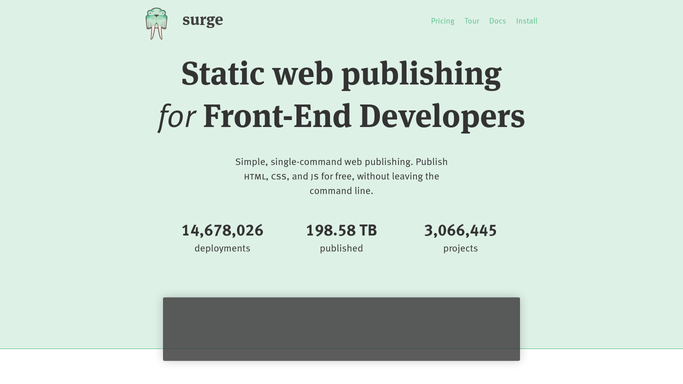
WebRun opens Surge to check new project domains. - Open Surge and review projects published in the past week
- Check whether each project has a custom domain configured
- Note whether HTTPS is active for any custom domain in use
Done when Every new project's domain and HTTPS status is recorded.
-
2
Airtable - log the domain status
airtable.com How to Automate Airtable

WebRun opens Airtable to log the domain status. - Open the Surge Projects base
- Add or update a row per new project with its domain and HTTPS status
- Mark any project completed since the last check as done
Done when The Airtable base reflects the current domain setup status for every new project.
-
3
Notion - post the setup note
notion.so How to Automate Notion

WebRun opens Notion to post the setup note. - Open the team's Notion page
- Post a setup note for any project still on the default surge.sh domain
- Ask the project owner to confirm whether a custom domain is planned
Done when A setup note exists in Notion for every project still on the default domain.
How is each run configured?
Secure by default
Connect once, stays signed in
WebRun signs in once and keeps each session in a persistent environment, so every run picks up right where it left off.
Every action is checked against this policy before it runs.
Questions, answered
Will WebRun configure the custom domain itself?
No. It only checks and reports the current status. Setting up a custom domain and its DNS records stays a manual action for the project owner.
Does every project need a custom domain?
Not necessarily. The note simply asks the owner to confirm whether one is planned, since some projects are intentionally left on the default address.
How does it know a project is new?
It checks projects published in the past week, so the checklist stays focused on recent launches rather than re-flagging old, established sites.
Related templates
Put this on autopilot.
Turn it on in minutes - or have our team set it up for you.