Get a weekly scorecard of your SuperTokens auth activity
Every Monday, WebRun opens the SuperTokens dashboard, reviews the past week's new sign-ups, successful logins, and failed login attempts, exports the numbers to a Google Sheet, and posts a scorecard to Notion so auth activity trends are visible without querying the database directly.
- No credit card
- Under $0.01 per run
- Cancel anytime
How do I get a weekly summary of my SuperTokens sign-up and login activity?
WebRun reviews SuperTokens sign-up, login, and failed login activity every Monday, exporting the week's numbers to a Google Sheet and comparing them against the prior week. It then posts a scorecard in Notion flagging any notable rise in failed attempts, so auth activity trends are visible weekly without anyone querying the database directly.
- Auth activity trends are visible every week without a database query
- A rise in failed logins gets flagged instead of going unnoticed
- The team has a running weekly record without building a custom dashboard
Built for Engineering teams · product engineering managers · startups managing their own auth · security-conscious dev teams
What does WebRun do on every run?
The exact actions WebRun takes, in order - in plain language, so you can adjust anything.
-
WebRun signs in and gets to work
Opens
supertokens.comin a real browser with your saved login - no setup, no API keys. -
1
SuperTokens - review auth activity
supertokens.com
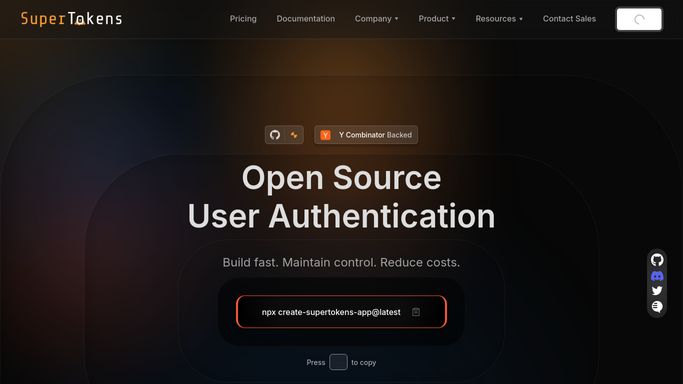
WebRun opens SuperTokens to review auth activity. - Open the SuperTokens dashboard and review activity for the past week
- Note new sign-ups, successful logins, and failed login attempts
- Compare the failed login count against the prior week
Done when This week's sign-up, login, and failed login counts are recorded against last week.
-
2
Notion - export the week's numbers
notion.so How to Automate Notion

WebRun opens Notion to post the auth scorecard. - Open the engineering Notion page
- Post the weekly scorecard comparing this week's numbers to last week
- Flag a notable rise in failed login attempts if one occurred
Done when The team has this week's auth activity scorecard in Notion.
-
3
Google Sheets - post the auth scorecard
google.com How to Automate Google Sheets

WebRun opens Google Sheets to export the week's numbers. - Open the SuperTokens Activity sheet
- Add this week's row with sign-ups, logins, and failed attempts
- Keep prior weeks for trend comparison
Done when The sheet reflects this week's full auth activity export.
How is each run configured?
Secure by default
Connect once, stays signed in
WebRun signs in once and keeps each session in a persistent environment, so every run picks up right where it left off.
Every action is checked against this policy before it runs.
Questions, answered
Will WebRun lock accounts or change auth settings?
No. It only reads activity numbers and reports on them. Locking an account or changing any authentication setting stays a manual action for your team.
Does it flag a spike in failed logins as a security issue?
It notes a notable week-over-week rise in the scorecard, but deciding whether it warrants a security investigation stays with your team.
Where does the activity data come from?
Directly from your own SuperTokens instance, so the numbers reflect your actual user base rather than an estimate.
Related templates
Put this on autopilot.
Turn it on in minutes - or have our team set it up for you.