Archive every Substack post to your own Drive
Every Monday, WebRun opens Substack, gathers the posts published in the last seven days with their open and subscriber numbers, saves each one into a dated Google Drive folder, and sends you a Twilio text confirming what was archived.
- No credit card
- Under $0.01 per run
- Cancel anytime
How do I automatically back up my Substack posts to Google Drive?
WebRun backs up your Substack publication every Monday. It opens Substack, gathers the posts published in the last seven days along with their open and view numbers, files each one into a dated Google Drive folder with an index, and texts you through Twilio confirming exactly what was archived.
- Every published post exists outside Substack in your own Drive
- Weekly archives are dated and indexed without manual copying
- You get a text receipt so a failed backup never goes unnoticed
Built for newsletter writers · independent publishers · content marketers · media teams
What does WebRun do on every run?
The exact actions WebRun takes, in order - in plain language, so you can adjust anything.
-
WebRun signs in and gets to work
Opens
substack.comin a real browser with your saved login - no setup, no API keys. -
1
Substack - collect last week's posts
substack.com
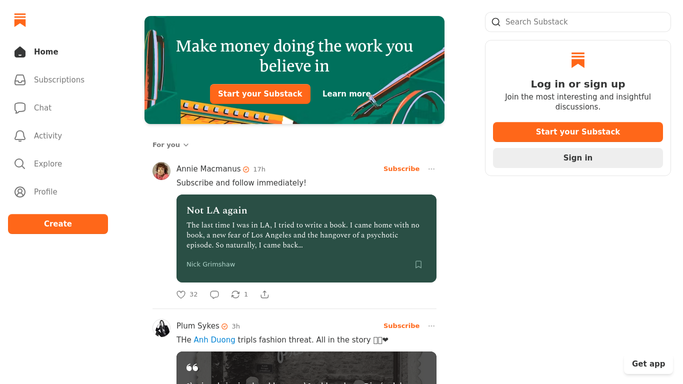
WebRun opens Substack to collect last week's posts. - Open Substack and go to your publication dashboard
- List every post published in the last 7 days
- Capture the title, publish date, full body text, and the open and view numbers for each
- Skip drafts and anything already archived in a previous run
Done when Every post published in the last 7 days is captured with its text and its numbers.
-
2
Google Drive - file the archive copies
drive.google.com How to Automate Google Drive

WebRun opens Google Drive to file the archive copies. - Open Google Drive and find or create this month's archive folder
- Save each post as its own document named by publish date and title
- Add a one-page index listing every post with its open rate and view count
- Leave existing files untouched so nothing is overwritten
Done when Each post from the week has its own file in Drive plus an index entry.
-
3
Twilio - text you the archive receipt
twilio.com How to Automate Twilio

WebRun opens Twilio to text you the archive receipt. - Send yourself a short text listing how many posts were archived and the Drive folder name
- Flag any post whose body or stats could not be read
- Send only to your own saved number. Never text a subscriber
Done when You have a text confirming this week's archive and any gaps in it.
How is each run configured?
Secure by default
Connect once, stays signed in
WebRun signs in once and keeps each session in a persistent environment, so every run picks up right where it left off.
Every action is checked against this policy before it runs.
Questions, answered
Will it text my subscribers?
No. The Twilio message goes only to your own saved number as an archive receipt. WebRun never texts, emails, or publishes to your Substack audience, and it never sends a post on your behalf.
Does it change anything inside Substack?
Nothing. WebRun only reads your published posts and their numbers. Drafts stay drafts, published posts stay exactly as they are, and no setting is edited.
What happens to posts archived last week?
They are skipped. WebRun checks the Drive folder first and only saves posts it has not filed before, so the archive grows without creating duplicates.
Related templates
Put this on autopilot.
Turn it on in minutes - or have our team set it up for you.