Export your Statsig experiment results every week
Every Monday, WebRun opens Statsig, reads the results and statistical significance of every running experiment, notes which ones are ready to ship or kill in Notion, and exports the full metric breakdown into Google Sheets for anyone who wants to dig deeper.
- No credit card
- Under $0.01 per run
- Cancel anytime
How do I get a weekly export of my Statsig experiment results?
WebRun reads every running Statsig experiment each Monday, checks which ones have reached statistical significance, notes what's ready to ship or kill in Notion, and exports the full metric breakdown into Google Sheets. Product and growth teams get a weekly, numbers backed readout without opening Statsig or building the export themselves.
- Ready to call experiments are flagged every Monday, not left running
- Full metric detail lands in a plain, shareable spreadsheet
- Inconclusive tests stay clearly marked as still running
Built for product managers · growth teams · data analysts
What does WebRun do on every run?
The exact actions WebRun takes, in order - in plain language, so you can adjust anything.
-
WebRun signs in and gets to work
Opens
console.statsig.comin a real browser with your saved login - no setup, no API keys. -
1
Statsig - read experiment results
statsig.com
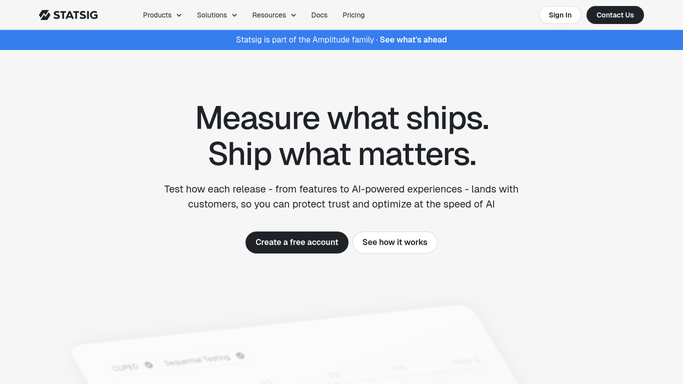
WebRun opens Statsig to read experiment results. - Open Statsig and list every running experiment
- Read each one's primary metric result and statistical significance
- Note the current rollout percentage for each
Done when Every running experiment's result and significance is read.
-
2
Notion - note what's ready to call
notion.so How to Automate Notion

WebRun opens Notion to note what's ready to call. - Open the experiment log page in Notion
- Note which experiments have reached significance and are ready to ship or kill
- Leave inconclusive ones marked as still running
Done when This week's ready to call experiments are logged in Notion.
-
3
Google Sheets - export the full metrics
google.com How to Automate Google Sheets

WebRun opens Google Sheets to export the full metrics. - Open the shared metrics sheet in Google Sheets
- Export each experiment's full metric breakdown as a new row
- Keep the experiment name consistent with Statsig for easy lookup
Done when This week's full metric export is in the sheet.
How is each run configured?
Secure by default
Connect once, stays signed in
WebRun signs in once and keeps each session in a persistent environment, so every run picks up right where it left off.
Every action is checked against this policy before it runs.
Questions, answered
Does WebRun ship or kill an experiment itself?
No. It only reads results and flags which experiments look ready to call. Shipping a feature gate or stopping an experiment stays a product decision.
How does it decide an experiment is ready?
By reading the statistical significance Statsig already calculates. Only experiments that have reached significance get marked ready in Notion.
Can I see the full metric detail, not just the headline result?
Yes. The Google Sheets export includes the full metric breakdown for every experiment, not just the primary metric.
Related templates
Put this on autopilot.
Turn it on in minutes - or have our team set it up for you.