Win back stationery regulars before they drift away
Every Monday, WebRun opens MicroBiz, finds customers with a purchase history who have gone 60 days without a visit, drafts a personalized winback email in Mailchimp referencing what they usually buy, saves it as a campaign draft, and posts your team a Slack note to review and approve before anything sends.
- No credit card
- Under $0.01 per run
- Cancel anytime
What does WebRun do on every run?
The exact actions WebRun takes, in order - in plain language, so you can adjust anything.
-
WebRun signs in and gets to work
Opens
microbiz.comin a real browser with your saved login - no setup, no API keys. -
1
MicroBiz - find regulars who have gone quiet
microbiz.com How to Automate MicroBiz

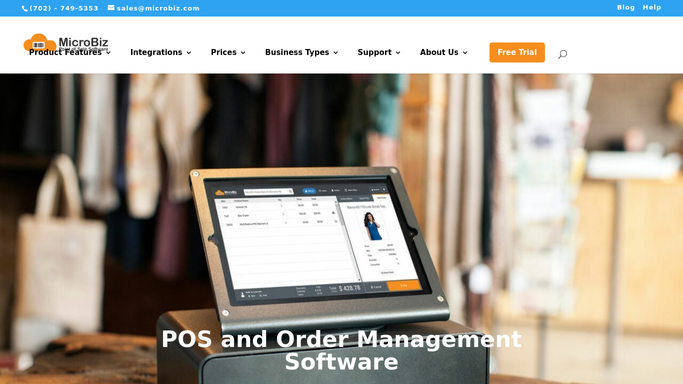
WebRun opens MicroBiz to find regulars who have gone quiet. - Open MicroBiz and pull customers with at least 3 past purchases whose last visit was 60 or more days ago
- Pull each customer's most purchased categories and their average order size
- Exclude anyone already in an active winback campaign
Done when Every lapsed regular is listed with their purchase history and last visit date.
-
2
Mailchimp - draft a personalized winback email
mailchimp.com How to Automate Mailchimp
WebRun drafts a personalized winback email in Mailchimp and leaves it unsent. - Draft a personalized winback email in Mailchimp for each customer, mentioning the categories they usually buy
- Include a modest thank-you discount within your approved range
- Save the campaign as a draft. Do not schedule or send it
Done when A draft Mailchimp campaign exists for every lapsed regular, unsent.
-
3
Slack - ask you to review and approve
slack.com How to Automate Slack
WebRun posts to Slack to ask you to review and approve. - Post a Slack note with the count of lapsed regulars and a link to the draft Mailchimp campaign
- List the highest-value customers by average order size at the top
- Leave the campaign for you to review, edit, and send
Done when You have a Slack note with the draft campaign, waiting for your approval to send.


How do I win back stationery regulars who have stopped visiting?
WebRun finds customers in MicroBiz with a real purchase history who have gone 60 days without a visit, then drafts a personalized winback email in Mailchimp referencing what they usually buy and a thank-you discount within your approved range. It posts the draft to Slack for your review, so nothing sends to a lapsed customer without your approval.
- Lapsed regulars get a personal nudge before they forget your store
- Every winback email is drafted, never sent without your review
- Highest-value customers are flagged first so you approve the big wins fast
Built for stationery shop owners · pen and paper retailers · independent gift shops · loyalty-driven stationery stores
How is each run configured?
Secure by default
Connect once, stays signed in
WebRun signs in once and keeps each session in a persistent environment, so every run picks up right where it left off.
Every action is checked against this policy before it runs.
Questions, answered
Will WebRun send the winback email without me?
No. It only drafts the campaign in Mailchimp and posts it to Slack for your review. Nothing sends until you approve it.
How does it decide who counts as a lapsed regular?
It looks for customers with at least 3 past purchases in MicroBiz whose last visit was 60 or more days ago, so a one-time shopper is not mistaken for a regular.
Does the discount change every time?
It stays within the range you approve, so WebRun never offers more than you have authorized, no matter how long a customer has been away.
Related templates
Put this on autopilot.
Turn it on in minutes - or have our team set it up for you.