Draft launch posts for every new collection you bring in
Every morning, WebRun opens MicroBiz to find items newly tagged to a collection launch, drafts a Facebook post announcing the new pieces with names and prices, saves it unpublished, and posts your team a Slack note so you can add photos and publish it when you are ready.
- No credit card
- Under $0.01 per run
- Cancel anytime
What does WebRun do on every run?
The exact actions WebRun takes, in order - in plain language, so you can adjust anything.
-
WebRun signs in and gets to work
Opens
microbiz.comin a real browser with your saved login - no setup, no API keys. -
1
MicroBiz - find newly tagged collection items
microbiz.com How to Automate MicroBiz

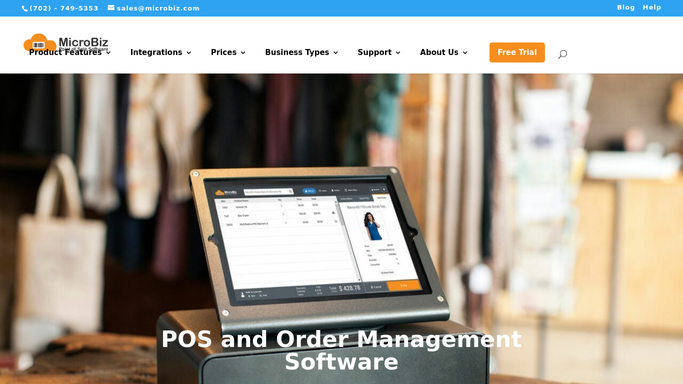
WebRun opens MicroBiz to find newly tagged collection items. - Open MicroBiz and pull items tagged to a new collection since yesterday
- Capture each item's name, price, and short description
- Group items by collection so a launch covers one line at a time
Done when Every newly tagged collection item is listed with its name, price, and description.
-
2
Facebook - draft the launch announcement
facebook.com How to Automate Facebook
WebRun drafts the launch announcement in Facebook and leaves it unpublished. - Draft a Facebook post announcing the collection, naming the pieces and prices
- Suggest a headline and a short caption in your store's usual voice
- Save the post to your Page drafts. Do not publish it
Done when An unpublished draft post sits in your Facebook Page drafts for the new collection.
-
3
Slack - tell you the draft is ready to review
slack.com How to Automate Slack
WebRun posts to Slack to tell you the draft is ready to review. - Post a Slack note that a new collection draft is ready to review
- Link directly to the Facebook draft
- Remind whoever posts to add photos before publishing
Done when Your team has a Slack note pointing to the unpublished Facebook draft.

How do I draft a launch announcement for a new stationery collection?
WebRun checks MicroBiz every morning for items newly tagged to a collection launch, drafts a Facebook announcement naming the pieces and prices, and saves it unpublished to your Page drafts. It posts a Slack note pointing your team to the draft, so someone can add photos and publish it, and nothing goes live on its own.
- Every new collection gets a launch draft the morning it is tagged
- Announcement copy is ready before anyone touches a camera
- Nothing publishes to Facebook until a person reviews and hits post
Built for stationery shop owners · boutique paper goods retailers · independent stationery brands · gift and stationery stores
How is each run configured?
Secure by default
Connect once, stays signed in
WebRun signs in once and keeps each session in a persistent environment, so every run picks up right where it left off.
Every action is checked against this policy before it runs.
Questions, answered
Will WebRun publish the launch post without me?
No. It only saves the announcement as an unpublished draft on your Facebook Page and tells your team in Slack. A person has to add photos and publish it.
How does it know which items belong to a new collection?
It reads the collection tag you apply to items in MicroBiz when they come in, so only items you have actually grouped into a launch show up in a draft.
Does it add product photos to the post?
Not yet. It writes the announcement copy naming the pieces and prices, then reminds your team in Slack to add photos before publishing.
Related templates
Put this on autopilot.
Turn it on in minutes - or have our team set it up for you.