Nudge clients to rebook after their appointment
Every morning, WebRun checks Acuity for appointments that took place 14 days ago, drafts a personalised rebooking email for each client, saves them as Gmail drafts, and posts the batch to Slack so you can send them with one click.
- No credit card
- Under $0.01 per run
- Cancel anytime
What does WebRun do on every run?
The exact actions WebRun takes, in order - in plain language, so you can adjust anything.
-
WebRun signs in and gets to work
Opens
acuityscheduling.comin a real browser with your saved login - no setup, no API keys. -
1
Acuity Scheduling - find clients due a rebooking nudge
acuityscheduling.com How to Automate Acuity Scheduling

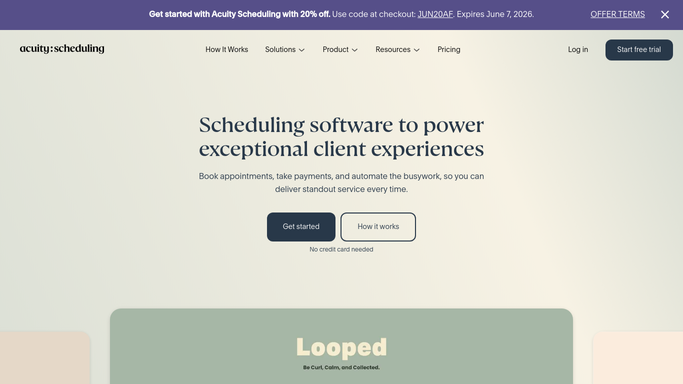
WebRun opens Acuity Scheduling to find clients due a rebooking nudge. - Open Acuity and find appointments that were completed exactly 14 days ago (or your chosen interval)
- Capture each client's name, email, the service they had, and the treating staff member
- Exclude any client who has already rebooked since that visit
Done when Clients due a rebooking nudge today are identified with their service details.
-
2
Gmail - draft personalised rebooking emails
gmail.com How to Automate Gmail
WebRun opens Gmail to draft personalised rebooking emails. - Draft a warm email for each client referencing the specific service they had and suggesting they rebook
- Include a direct booking link for their preferred service type
- Mention the same staff member if they had a preferred therapist or trainer
- Save as a Gmail draft - do not send yet
Done when A personalised rebooking email draft exists in Gmail for every eligible client.
-
3
Slack - post batch for your approval
slack.com How to Automate Slack
WebRun opens Slack to post batch for your approval. - Post a Slack summary of today's rebooking batch: number of clients and a link to the Gmail drafts
- Flag any clients who are approaching their ideal rebooking window based on the service type
Done when You have a Slack summary and can approve the rebooking emails from Gmail.


How can I automatically nudge clients to rebook after their spa or salon appointment?
Every morning, WebRun checks Acuity for appointments that took place 14 days ago, drafts a personalised rebooking email for each client, saves them as Gmail drafts, and posts the batch to Slack - so every client gets a timely nudge to return without your team manually tracking visit dates.
- Every client gets a rebooking nudge at exactly the right interval
- Client return rate improved with consistent, personalised follow-up
- Team sends the full batch with a single Slack review
Built for spa owners · salon managers · beauty therapists · wellness and massage practitioners
How is each run configured?
Secure by default
Connect once, stays signed in
WebRun signs in once and keeps each session in a persistent environment, so every run picks up right where it left off.
Every action is checked against this policy before it runs.
Questions, answered
Will it email clients automatically?
No. Rebooking emails are Gmail drafts surfaced in Slack for your sign-off - nothing goes out until you approve.
Can I set a different rebooking interval per service?
Yes. Give WebRun a per-service interval - 2 weeks for a facial, 6 weeks for highlights - and it applies the right one to each client.
What if the client already has another appointment booked?
WebRun checks Acuity for upcoming bookings before drafting, and anyone who has already rebooked is automatically excluded.
Related templates
Put this on autopilot.
Turn it on in minutes - or have our team set it up for you.