Catch Snowflake warehouses burning through credits
Every hour, WebRun opens Snowflake, checks each warehouse's credit consumption against the budget threshold you set, posts a Teams alert the moment one is running hot, and opens a Trello card so someone right-sizes or suspends it before the bill grows.
- No credit card
- Under $0.01 per run
- Cancel anytime
How do I get alerted before a Snowflake warehouse burns through its credit budget?
WebRun checks Snowflake's warehouse credit consumption every hour against the budget threshold you set. The moment a warehouse runs hot, it posts a Microsoft Teams alert naming the warehouse and the overage, and opens a Trello card so someone right-sizes or suspends it before the bill grows further.
- Runaway warehouses get flagged within the hour, not at month end
- Every budget breach becomes a tracked Trello card, not a surprise bill
- The team sees the exact warehouse and query pattern driving the spike
Built for data engineering teams · data platform admins · analytics engineers · FinOps
What does WebRun do on every run?
The exact actions WebRun takes, in order - in plain language, so you can adjust anything.
-
WebRun signs in and gets to work
Opens
app.snowflake.comin a real browser with your saved login - no setup, no API keys. -
1
Snowflake - check warehouse credit usage
snowflake.com
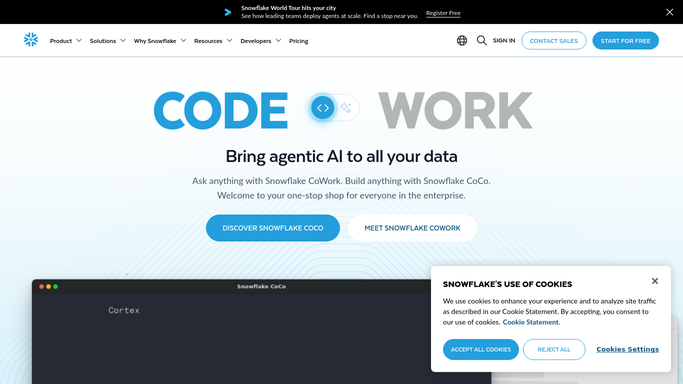
WebRun opens Snowflake to check warehouse credit usage. - Open the account usage view and list active warehouses
- Compare each warehouse's trailing credit consumption to your budget threshold
- Note which warehouse, query pattern, or user is driving the spike
Done when Every warehouse has been checked against its budget threshold.
-
2
Microsoft Teams - alert on a budget breach
microsoft.com How to Automate Microsoft Teams

WebRun posts to Microsoft Teams to alert on a budget breach. - Post an alert to the data team channel naming the warehouse and the overage
- Include the trailing credit total and the threshold it crossed
Done when The team has a Teams alert for every warehouse over budget.
-
3
Trello - track the fix
trello.com How to Automate Trello

WebRun opens Trello to track the fix. - Open a card for the warehouse that breached its threshold
- Attach the credit numbers and the likely cause so an owner can right-size or suspend it
Done when A tracked Trello card exists for every warehouse that needs a fix.
How is each run configured?
Secure by default
Connect once, stays signed in
WebRun signs in once and keeps each session in a persistent environment, so every run picks up right where it left off.
Every action is checked against this policy before it runs.
Questions, answered
Will it pause or resize a warehouse on its own?
No. WebRun only alerts and opens a Trello card. Resizing, suspending, or changing a warehouse's auto-suspend settings is left to a human.
How does it decide what counts as running hot?
It compares each warehouse's trailing credit consumption against the budget threshold you set, so the alert reflects your own limits, not a generic default.
What if a warehouse is already back under budget?
It reads live usage from Snowflake every run, so a warehouse that's already back under its threshold is skipped automatically.
Related templates
Put this on autopilot.
Turn it on in minutes - or have our team set it up for you.